A knight, a princess and red poppies at sunset: how the shot was made
From one sunset frame to a finished cinematic shot: swap the cast, swap the field, pull the camera back, animate on Omni and add the track.
Made with: omni, gpt-image-2.5-sunburst, Mira MCP, Claude
A knight walks away at sunset and a princess runs after him through a field of red poppies. Here is how this shot was made, step by step, from the first frame to the music.
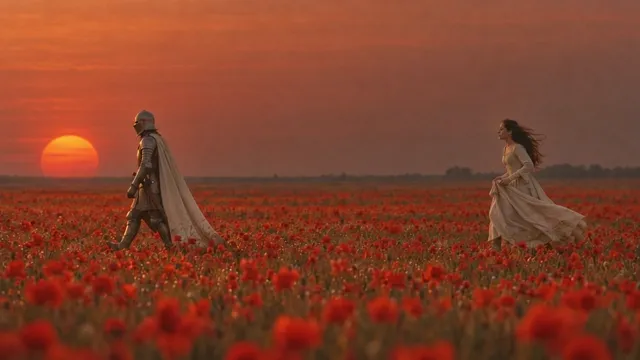
1. Start with the light
The look came first: a side view, a clear horizon and a huge low red sun, made with GPT Image 2.5 Sunburst. The first version had one woman in a sunflower field, and everything after it was built by editing this frame.

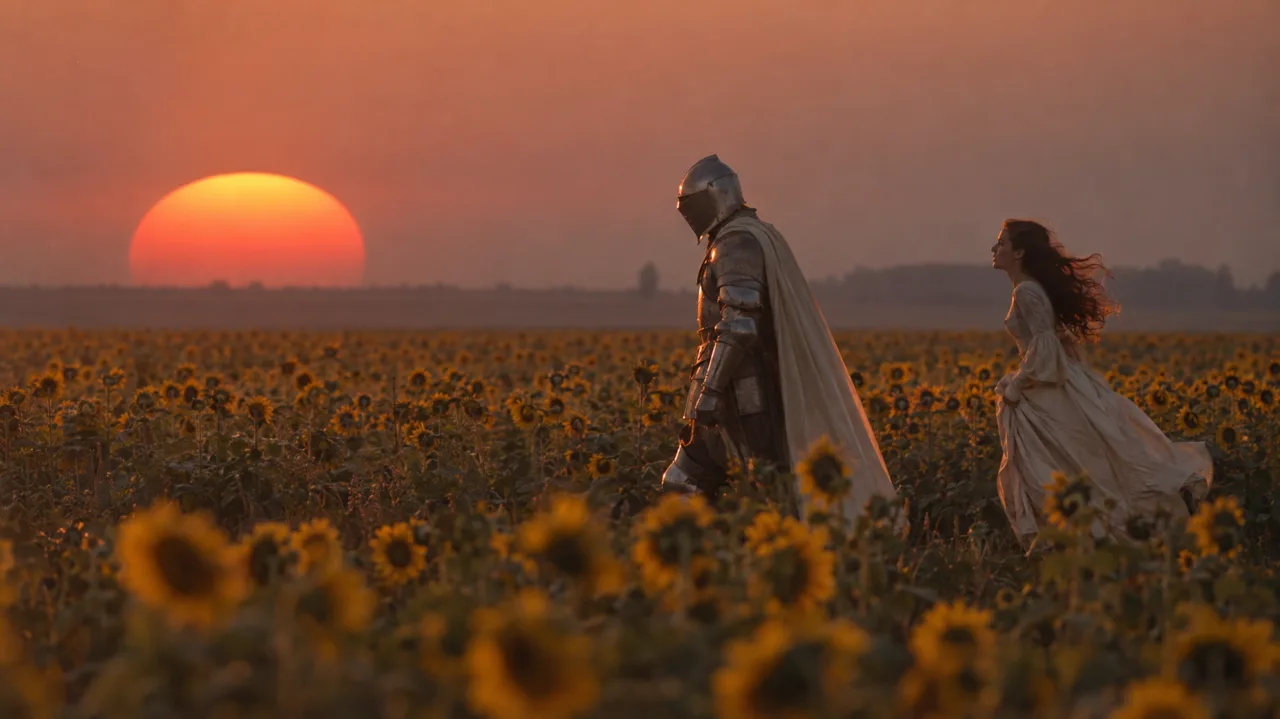
2. Cast the story
The story is one line: he leaves and she runs after him. So the cast became a knight in full armour with a helmet and a long white cloak, and a dark-haired princess holding up her gown with both hands. The helmet also keeps his face out of the shot.
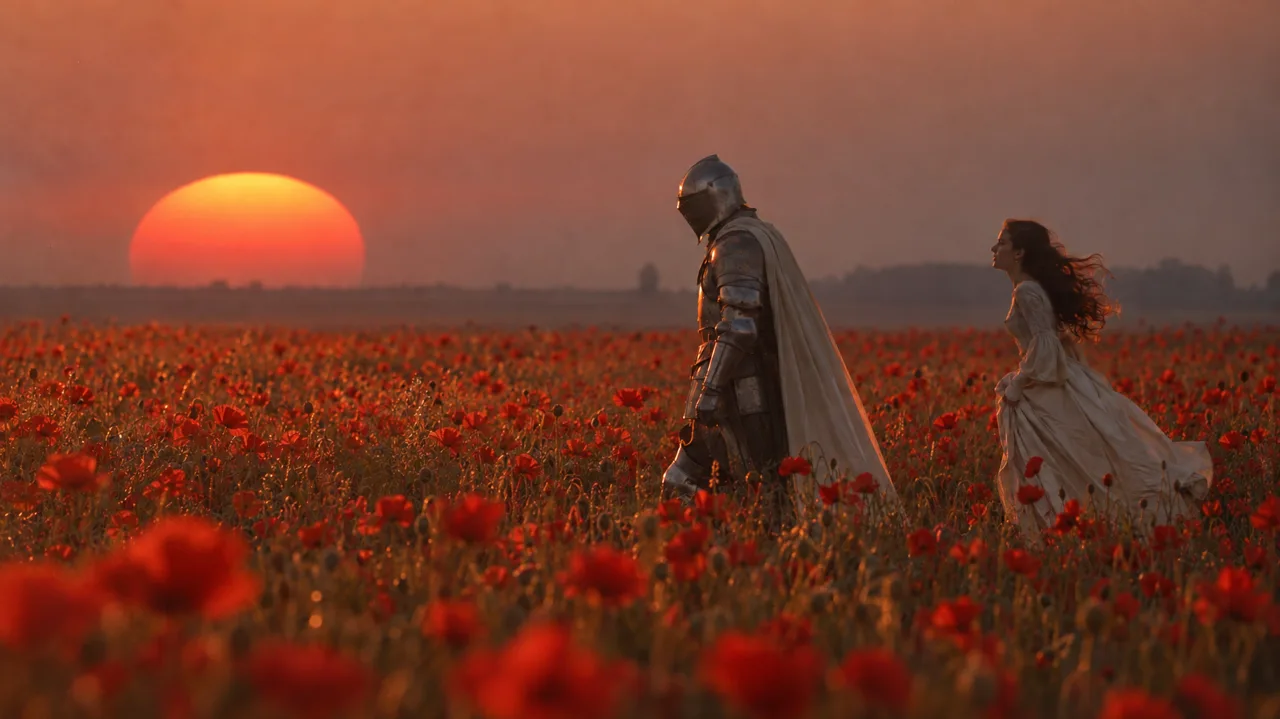
3. Change the field
One edit replaced the sunflowers with red poppies. The prompt named that single change and asked to keep the people, the sun and the sky. The red field ties the ground to the sky, and the white cloak and gown stand out against it.
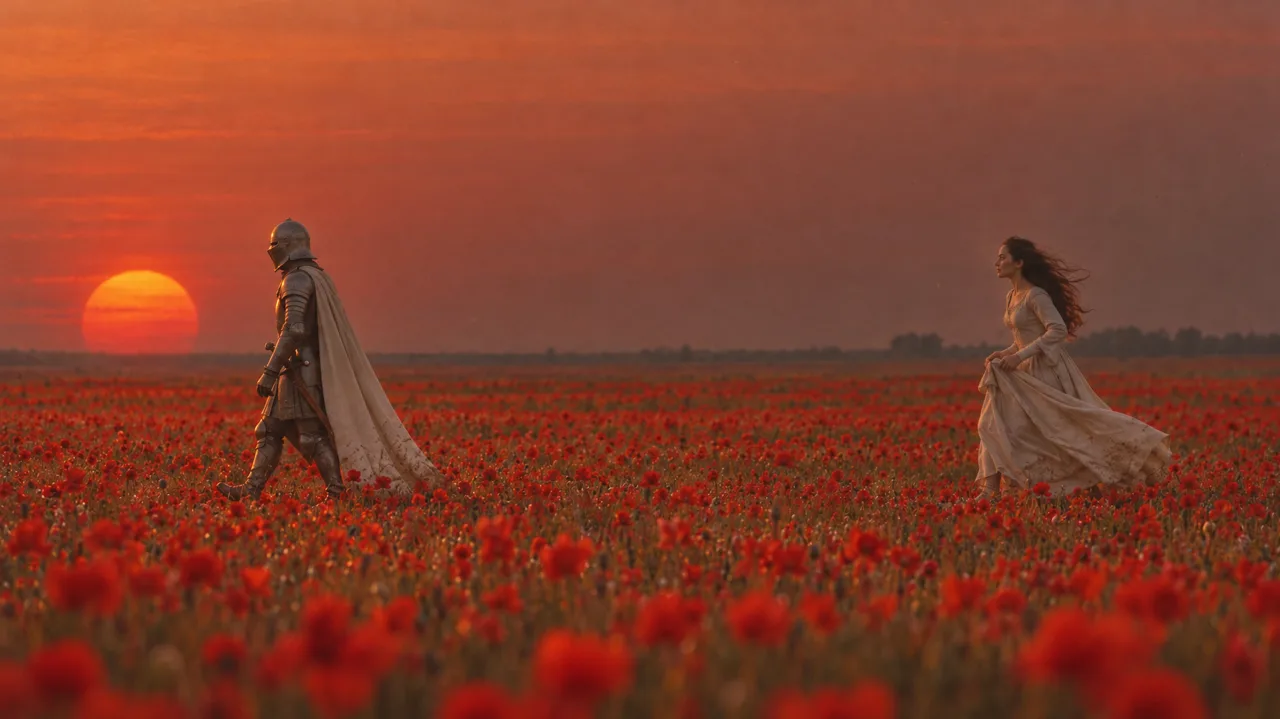
4. Give the scene room
Close figures left no room for a chase, so the camera went back and the gap between them grew. Then a final edit moved it slightly closer, made the colour richer and fixed the poses: a clear stride for him, both hands on the skirt for her.
5. Animate on Omni
- Use the frame as the start of the clip
Gemini Omni Flash grows the shot out of the still, so the look stays.
- Describe how they move
Say how each one moves: his feet plant heel to toe, the sword stays on one hip, her hands stay on the skirt, her hair and gown float behind her.
- Limit the cast
Write that exactly two people appear for the whole shot, with no cuts.
- Check the take frame by frame
Look through it for extra people and sliding feet before you use it.
6. Add the music
Omni's own sound was replaced with an 8-second instrumental track, with a short fade at the end. The clip is 8 seconds too, so the cut needs no retiming.