Beat-synced anime edit of one original heroine, made by prompting Claude
One locked heroine sheet → 10 short Omni clips → a 15-second anime edit cut to the track with flashes, panel collages and a crimson aura. All by prompting Claude through the Mira MCP.
Made with: gpt-image-2.5-sunburst, omni, Mira MCP, Claude
A 15-second anime edit of an original punk heroine, cut to a 108 BPM track: fast action intro, a drop at 5.5 s, panel collages popping on the beat and a crimson aura finale. The whole pipeline is three steps: lock the character, shoot short clips, cut them to the music.
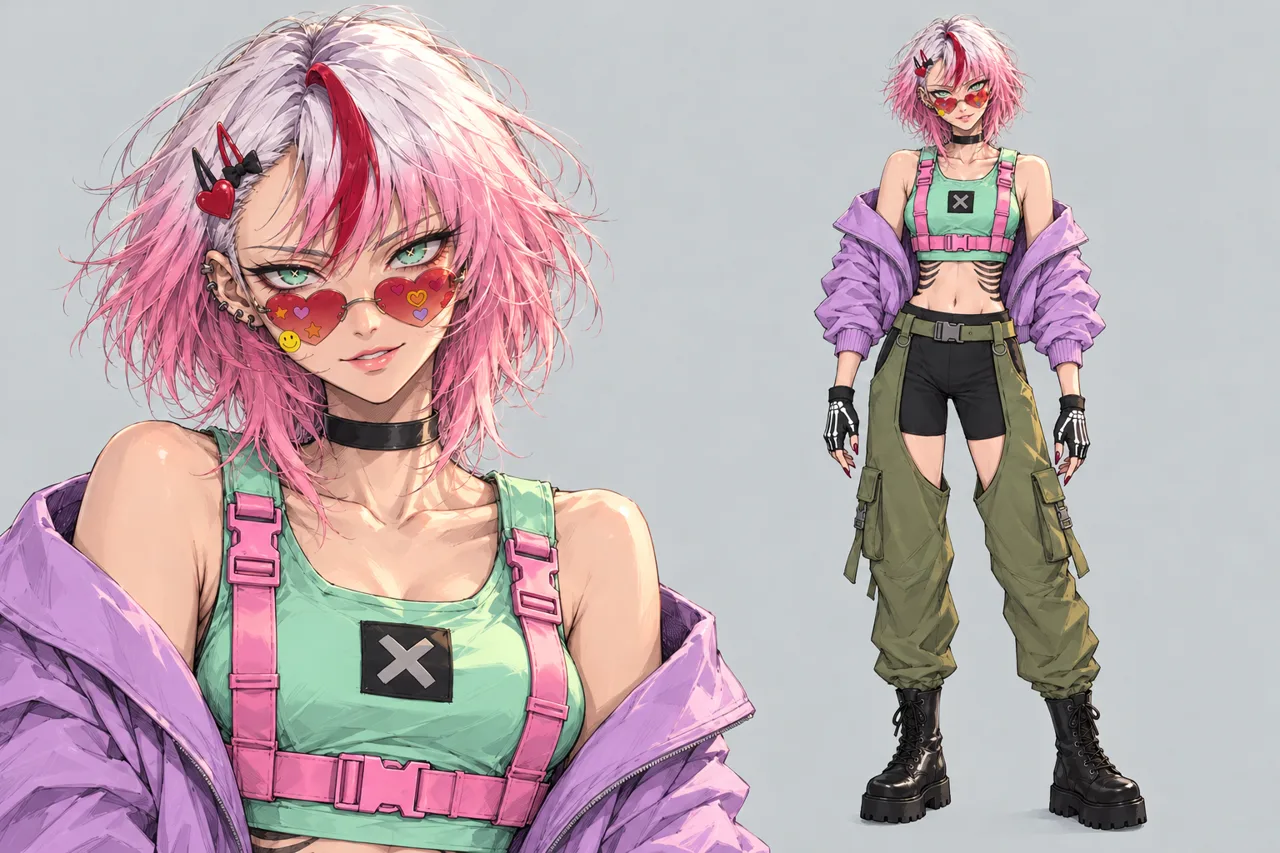
1. Lock the heroine in one sheet
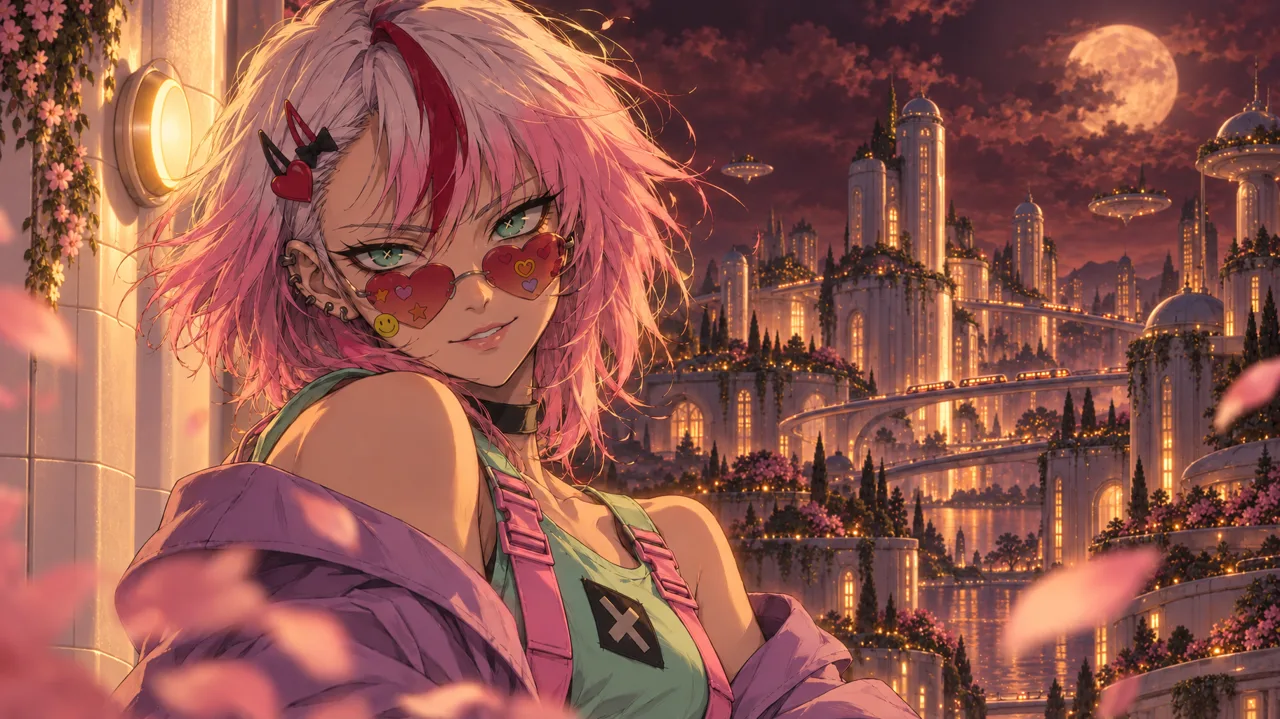
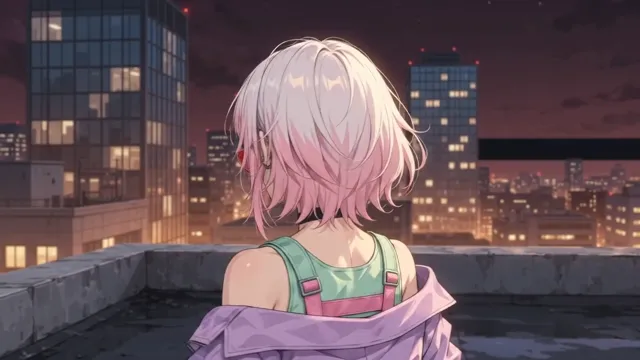
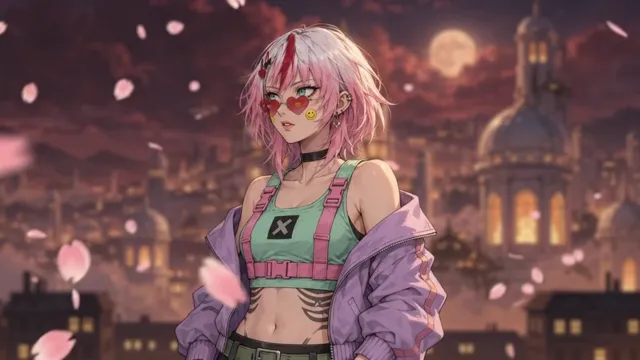
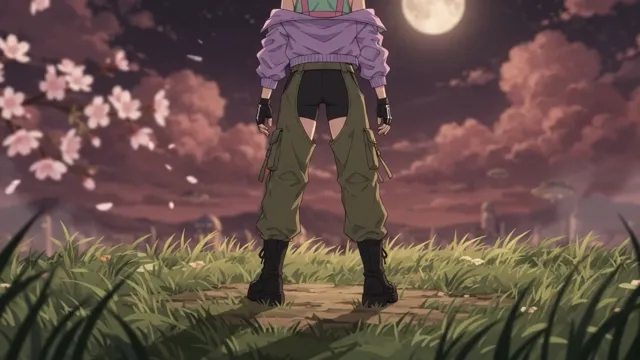
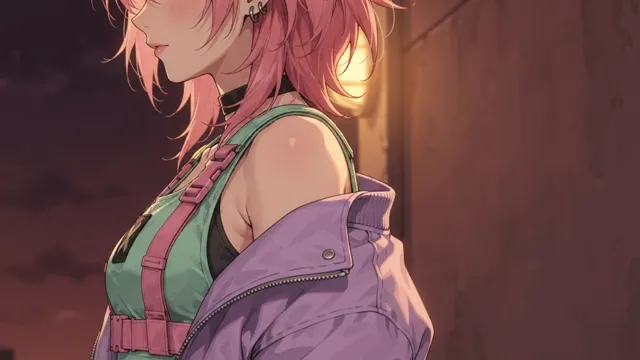
One clean diptych on a grey background: portrait on the left, full height on the right. Every clip uses it as <IMAGE_REF_0>, plus one painted frame as the style reference <IMAGE_REF_1>. Two refs are enough to keep her face, outfit and the burgundy night look in every shot.
2. Shoot short clips on Omni
- One action per clip
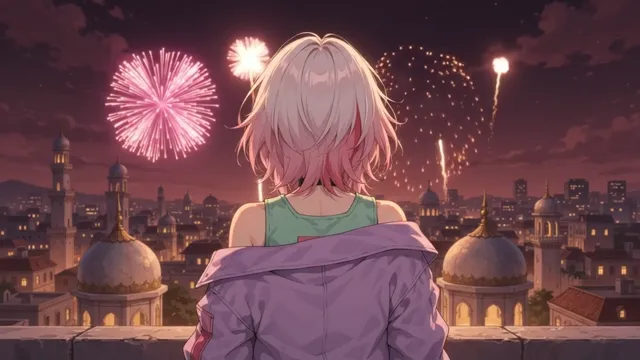
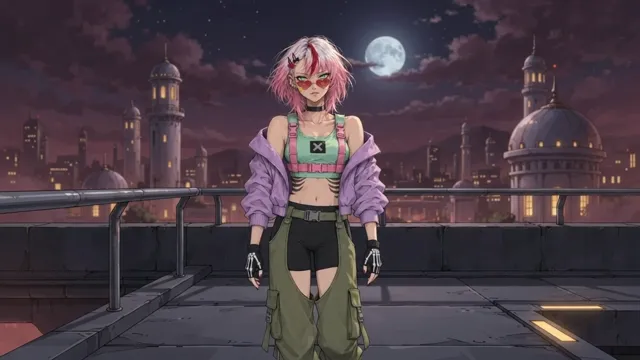
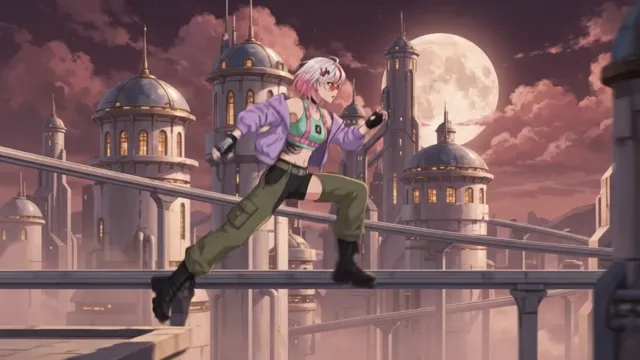
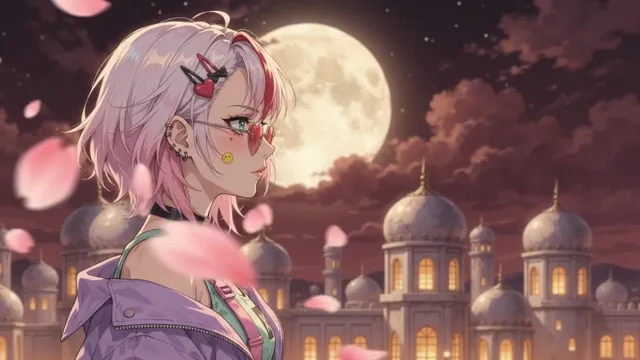
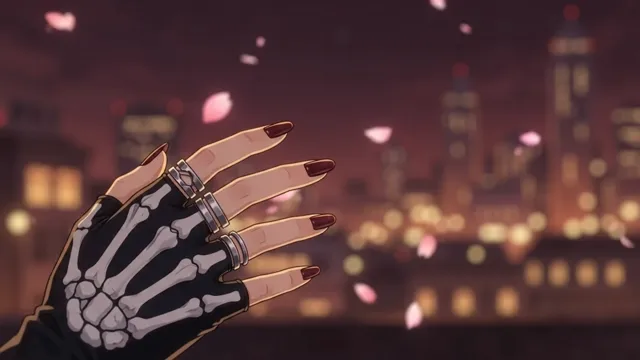
A head turn, a slash, a hand catching a petal. No fights with other characters, no complex blocking.
- Real-time motion
Write
Real-time speed, no slow motion- slow, floaty clips kill the edit. - No hidden cuts
End the prompt with
A single unbroken scene, no scene cuts. No dialogue. No music. No on-screen text. - Protect the highlights
Add
highlights never blow out to whiteso the grade has room later.
3. Pick the moments, not the clips
From 36 clips only 10 fragments made it in - about 24 seconds of footage for a 15-second edit. Mark the in and out of the best second or two in each clip and drop the rest.
4. Cut it to the track
- Copy the structure
Intro action → drop at 5.5 s → close-ups → aura → repeat the block → whip to black. Take the cut timing from a reference edit on the same track.
- Hits get effects
White flash on every block change, a short zoom punch, shake and an RGB split on the impacts.
- Dive into the eye
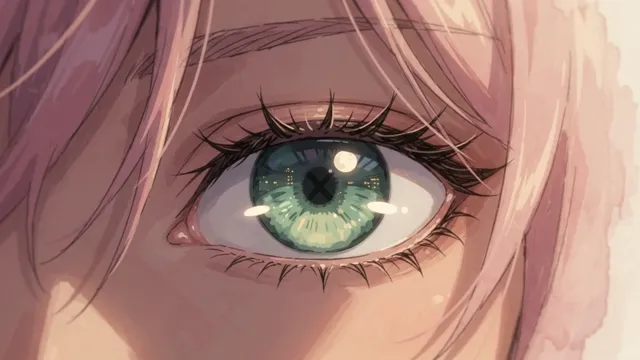
Zoom into her pupil with a red tint right before the slash - the cheapest transition that always lands.
- Collages on the beat
On the drop, 3-4 framed panels of other moments pop in one per beat over the main shot.
- Crimson aura
Darken the shot, add a red glow behind her and frame it with small panels.
- Never repeat footage
Every frame of the picks is used once, in a full shot or in a panel. The edit feels twice as rich.