Kitten knight storms a castle on a dragon: Blender blockout → Seedance 2.5 → 4K
A 13.75 s attack on the beat: the kitten stays hidden until the drop, a 4-legged black dragon burns the gate and lands on the keep. Clay blockout, one draft → 1080p, 4K grade in AE.
Made with: seedance-2-5, gpt-image-2.5-sunburst, Mira for Blender, Mira MCP, Blender, Mira for Adobe, After Effects, Claude

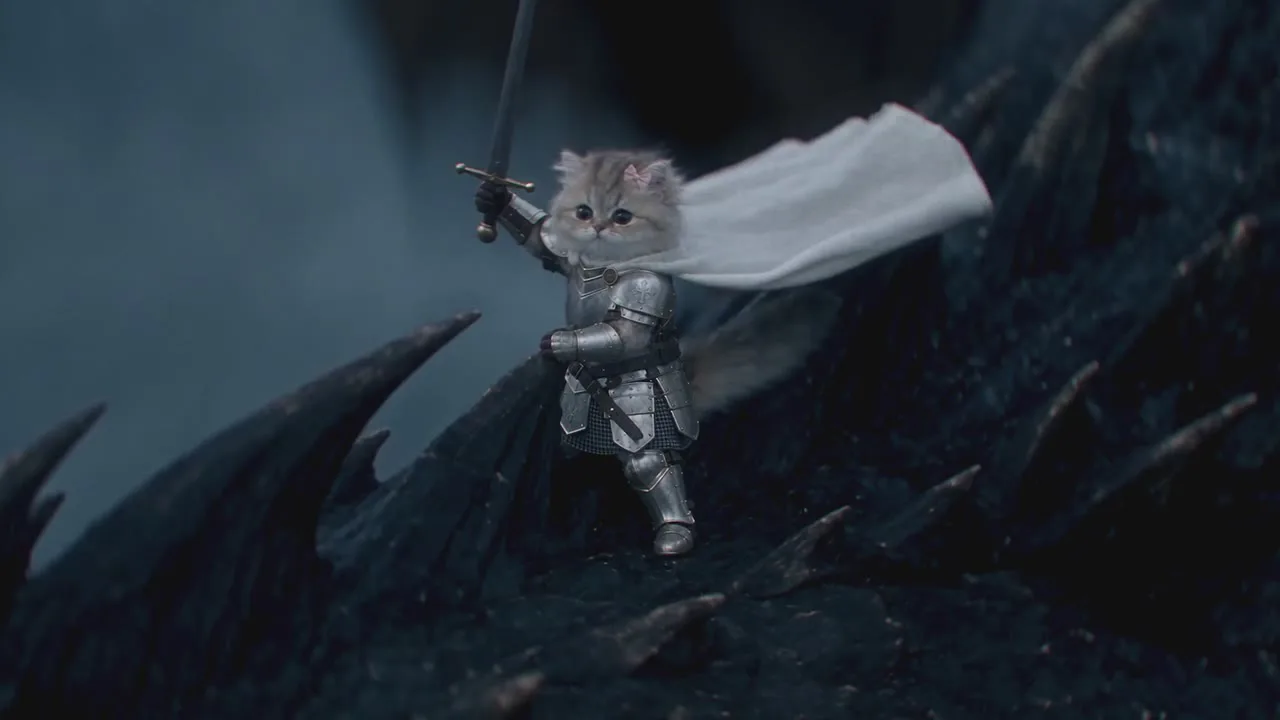
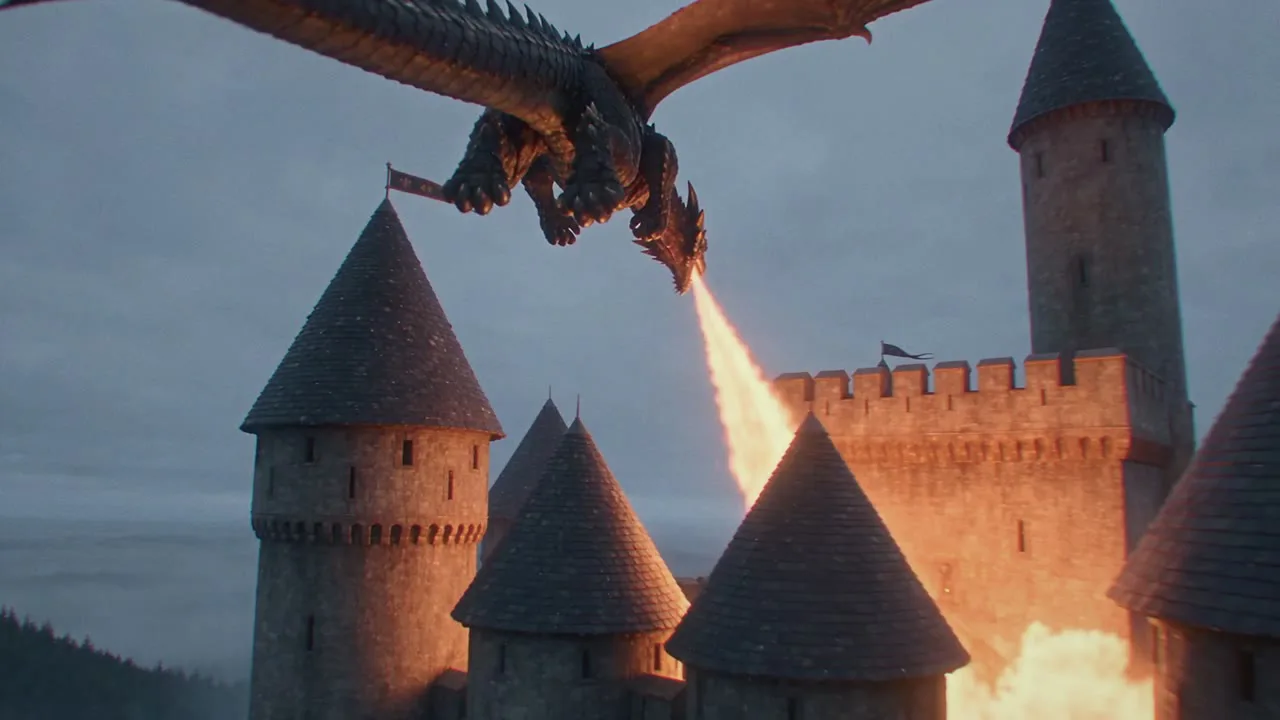
A colossal black dragon comes out of a storm at a castle on a cliff. For the first four shots you never see who rides it, and on the beat drop the camera finds a tiny kitten knight on its neck. Then the dragon burns the gate, tears past the walls while the archers scatter, and lands on the keep. Claude built the scene in Blender through the Mira MCP, Seedance 2.5 drew the world, After Effects did the 4K finish.
1. Cut the track first
13.75 s of music: a build-up with no bass up to 5.80 s, then the drop, bass from 6.6 s and hits every ~0.6 s. The 11 shots cut at 1.92 / 3.29 / 4.58 / 5.79 / 6.58 / 7.58 / 8.79 / 9.79 / 10.79 / 12.0. The reveal of the kitten sits exactly on the drop: castle wide, under the dragon's chest, its eye, archers on the wall — and only then the rider.
2. Make your own references
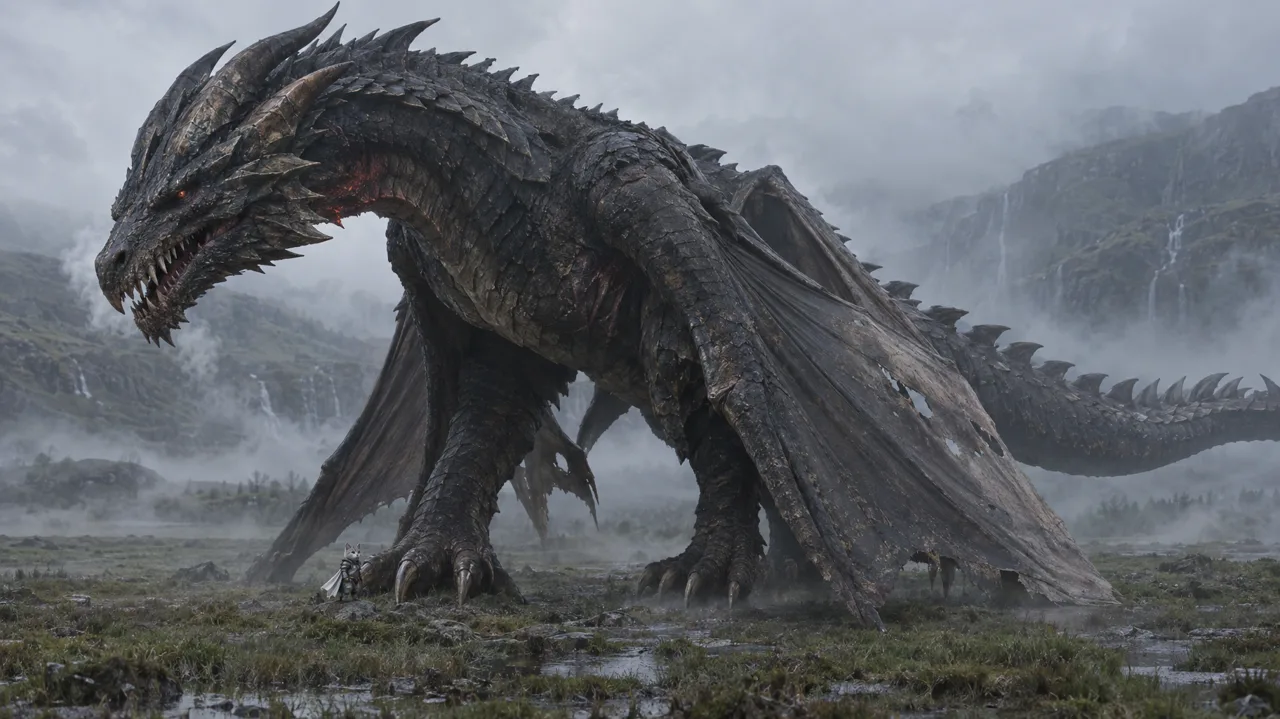
A studio ref of the kitten and an original dragon design, both with gpt-image-2.5-sunburst (8 credits each). The dragon started as a wyvern; one more edit of the same picture gave it four legs with the wings growing from the shoulders — same head, horns and scales.


3. Block it out in Blender — and keep it minimal
- Clay castle, real sizes
A cliff plateau, a six-sided curtain wall without merlons (a row of identical blocks gets flagged), six round towers with cone roofs, a gatehouse, a square keep with one tall tower. Dragon 30 m, kitten 35 cm.
- No wings, no legs on the dragon
Rigid wing boards came back as a wooden dragon flapping planks, and blockout legs came back dangling. Remove both: the body and its path are enough, wings and legs come from @Image2 and the prompt.
- Flex, but zero it in the rider shots
flex_creaturebends the spine and tail along the path, but the rider does not follow the bend — fade it out over half a second before every kitten shot. - 11 cameras on markers
Crane on the castle, a camera under the chest, a 70 mm eye close-up, archers on the wall walk with the dragon head-on, the reveal on the neck, the dragon hovering over the gate, the rider, a whip from the wall, a high three-quarter over the courtyard, the landing, a push-in that ends on the kitten.
- Smooth the curves
Our first cut looked jerky: the dragon turned up to 18° in one frame and one camera stopped dead in two frames. Resampling the rotation and flex curves with a gentle blur (≤ 6° per frame) fixed it — check this before you spend credits.




4. The prompt
Refs and clip bound first (the blockout dragon has no wings and no legs on purpose, there is only ONE dragon), a one-line story with the drop timecode, the living-animal physics of the dragon, the castle and its defenders, then one line per shot with the cut timecodes. The full prompt, refs and blockout clip are attached to the final video above and to the draft below — press Repeat on either to start from it.
5. Draft at 480p → the same take in 1080p
generate_video with draft=true (seedance-2-5, 16:9, 15 s) costs 54 credits — it took several drafts to get the blockout right, so this is where you iterate. finalize_draft re-renders the same take in 1080p for 300.

6. Edit and 4K finish in After Effects
- Fit the track
The take is 15 s, the track 13.75 s: the last push-in over the dragon's back runs at 2×, and the final second on the kitten raising her sword stays at normal speed, ending exactly with the music.
- Upscale
Detail-preserving Upscale 200 % + Unsharp Mask → a 3840×2160 ProRes plate.
- Grade and optics
Lumetri: cooler, more contrast, teal shadows, warm highlights for the fire; bloom, orange halation, red-channel fringing, vignette, film grain.
- Render in chunks
The AE disk cache eats ~15 GB per 160 frames of 4K: render in pieces and clear the cache between them, then concat and encode.


Recipe
Mark the drop and the hits of your track; hide the hero until the drop.
Make studio refs of the hero and the creature — anatomy (four legs, wings from the shoulders) goes into the picture.
Block out in clay: no wings, no legs, no views from below, no strict top-down; one camera per shot on a marker.
Check the curves: no turn faster than ~6° per frame, no camera that stops dead.
Prompt: bind @Image/@Video, write the defenders, one line per shot with timecodes.
Draft at 480p (54), finalize the good take in 1080p (300), fit to the track, grade in 4K.