Texas ranch cowgirl reel: Blender blockout → AI Blogger → Seedance → 4K
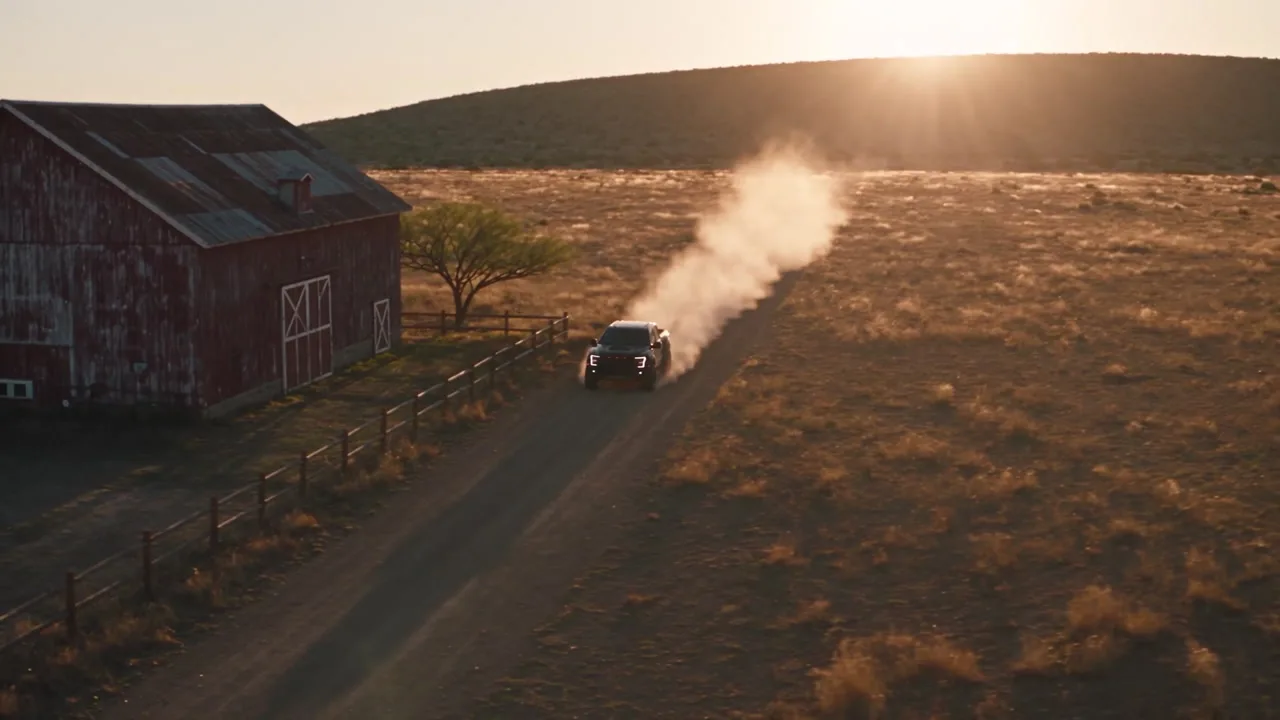
An 11.9 s golden-hour reel cut on the beat: a clay Blender blockout, an AI Blogger with real skin, a Ford Raptor from three refs, then a 4K grade with bokeh in After Effects.
Made with: seedance-2-5, seedream-5-pro, gpt-image-2.5-sunburst, Mira for Blender, Mira MCP, Blender, Mira for Adobe, After Effects, Claude
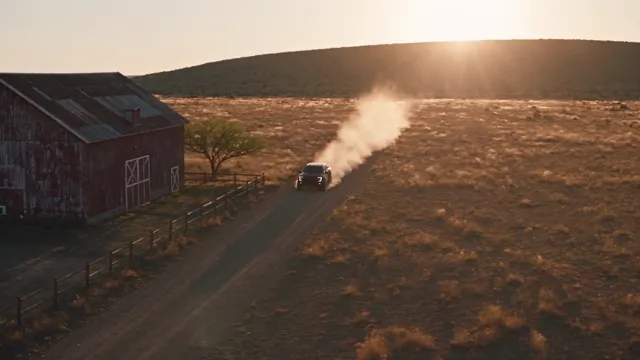
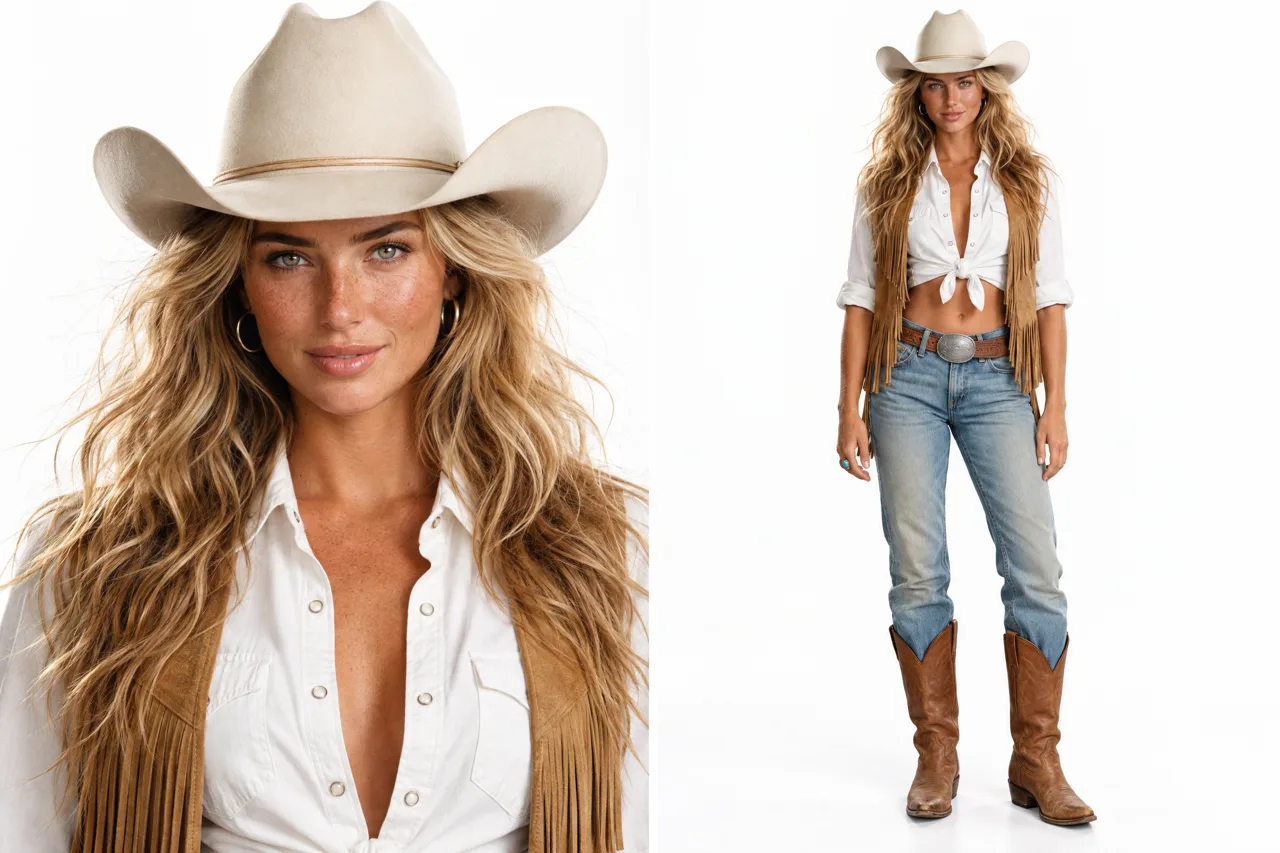
This reel started from a track I liked in someone else's video and one sentence: a blonde cowgirl and a pickup on a Texas ranch at golden hour. No footage, no photos. Everything else was built on the way: the beat grid, a Blender blockout, the heroine as an AI Blogger, the truck from three stills, and a 4K finish.
1. Measure the track
The clip only lends its sound. The excerpt is 11.86 s at about 116 BPM (one beat = 0.52 s). The strong hits land at 1.38, 3.44, 5.33, 8.41, 9.47 and 11.01 s, with a dip at 8.0 s and a drop at 8.41 s.
- Seven shots, six cuts
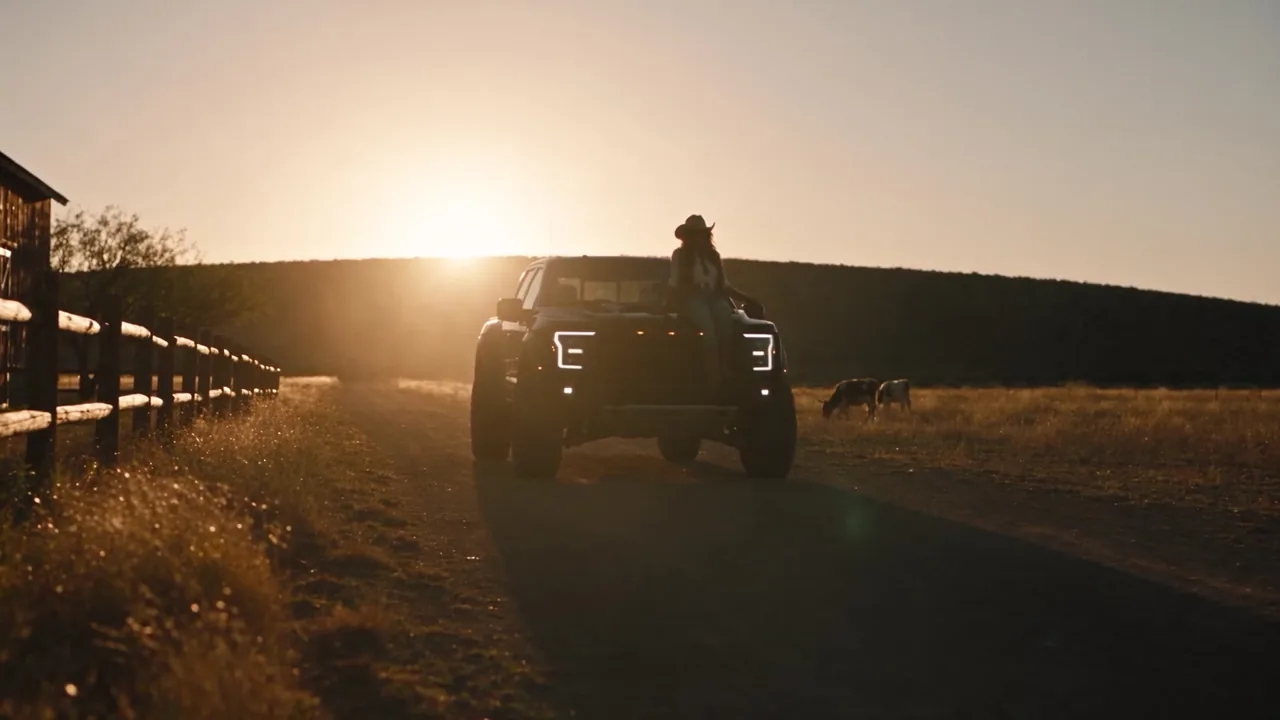
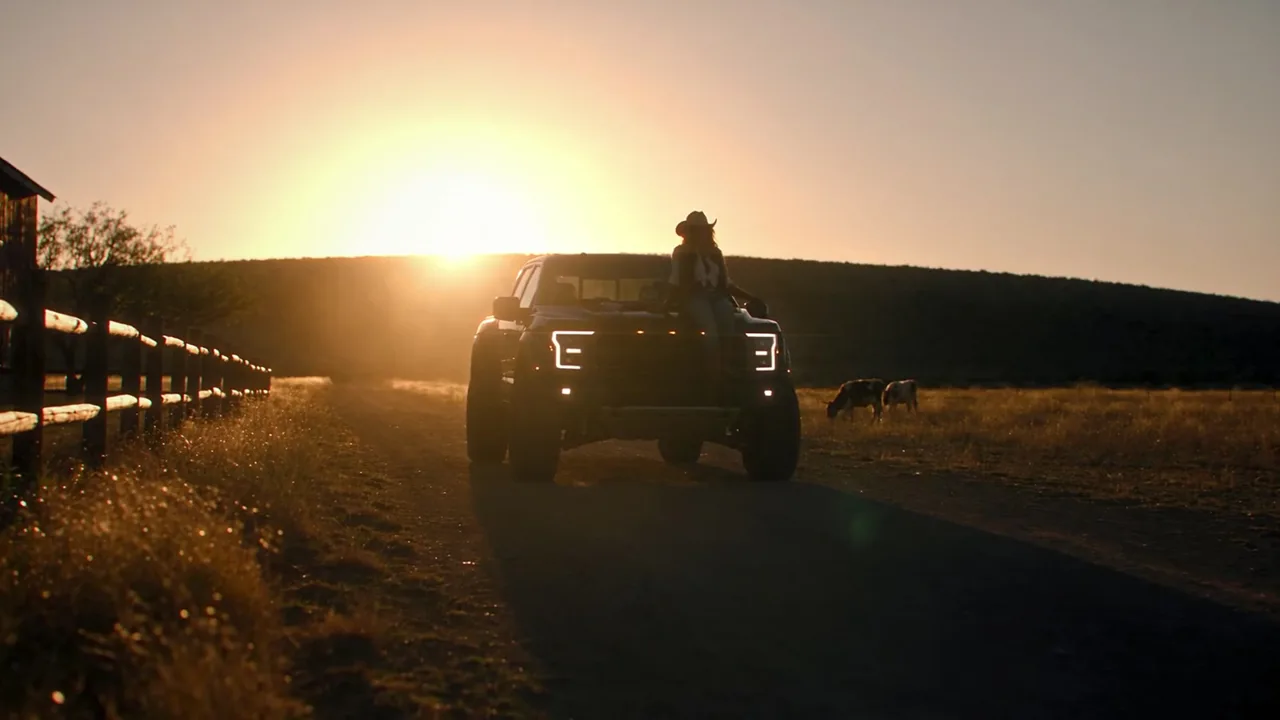
One cut per strong hit: drone wide → wheel braking → boots stepping out → the walk → close-up → on the bonnet → silhouette.
- The drop gets the face
The close-up starts exactly on the drop at 8.41 s. The quiet dip before it carries the slow walk.
2. Block it out in Blender, in clay
Claude built the set in my Blender through the Mira MCP: rolling ground with one far ridge, a raised dirt-road ribbon, a split-rail fence with uneven spans, one barn volume, the truck at real size (6.0 × 2.2 × 2.0 m on 0.47 m wheels) and two stand-in figures. No grass, trees, cattle or windmill: those come from the prompt.
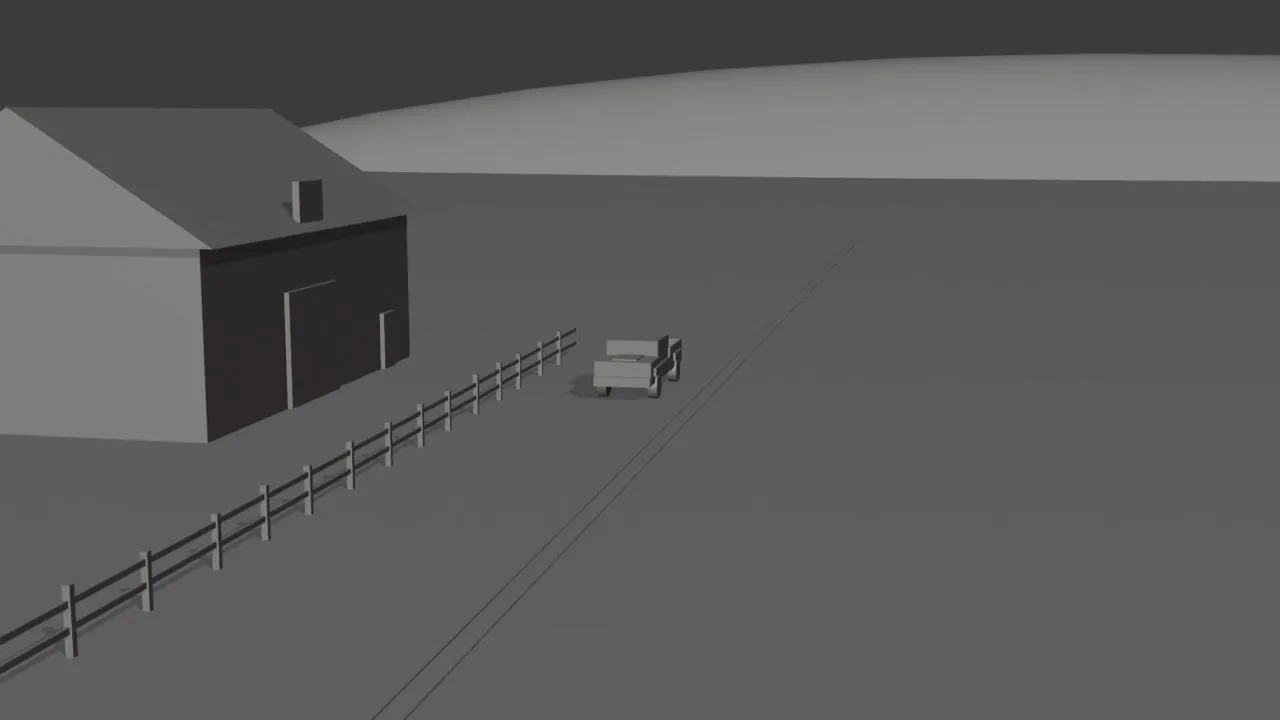
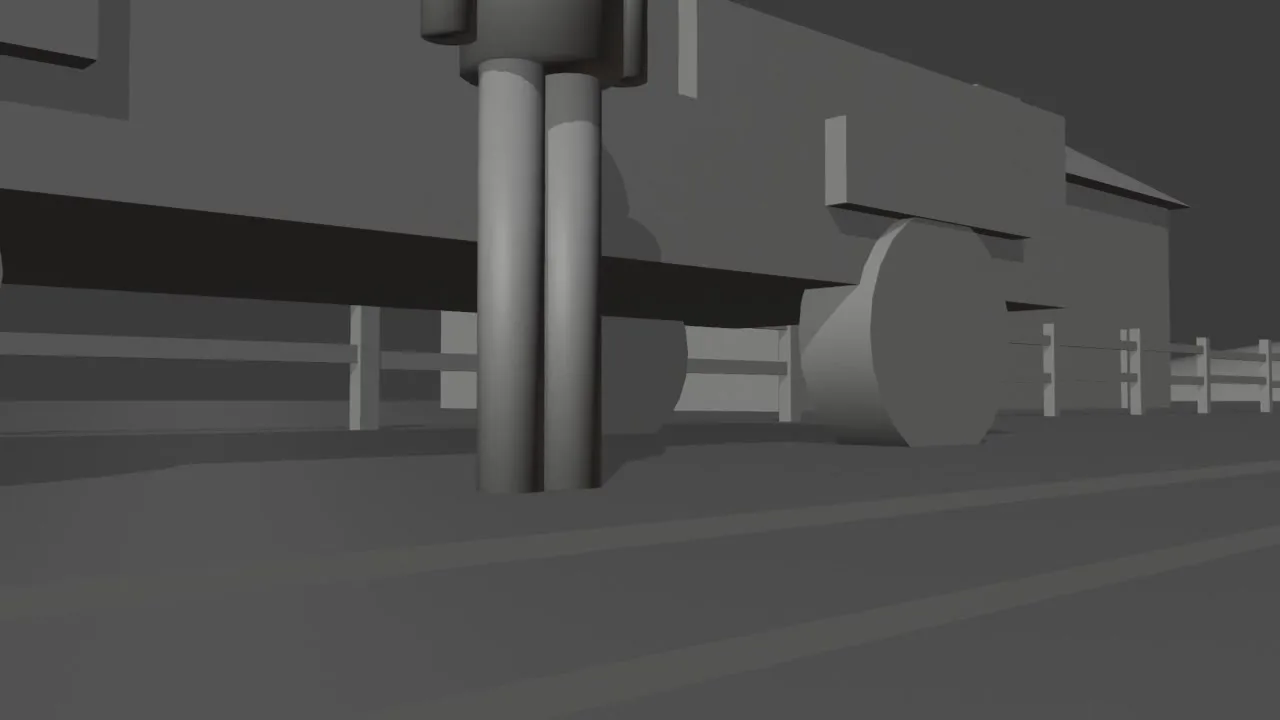
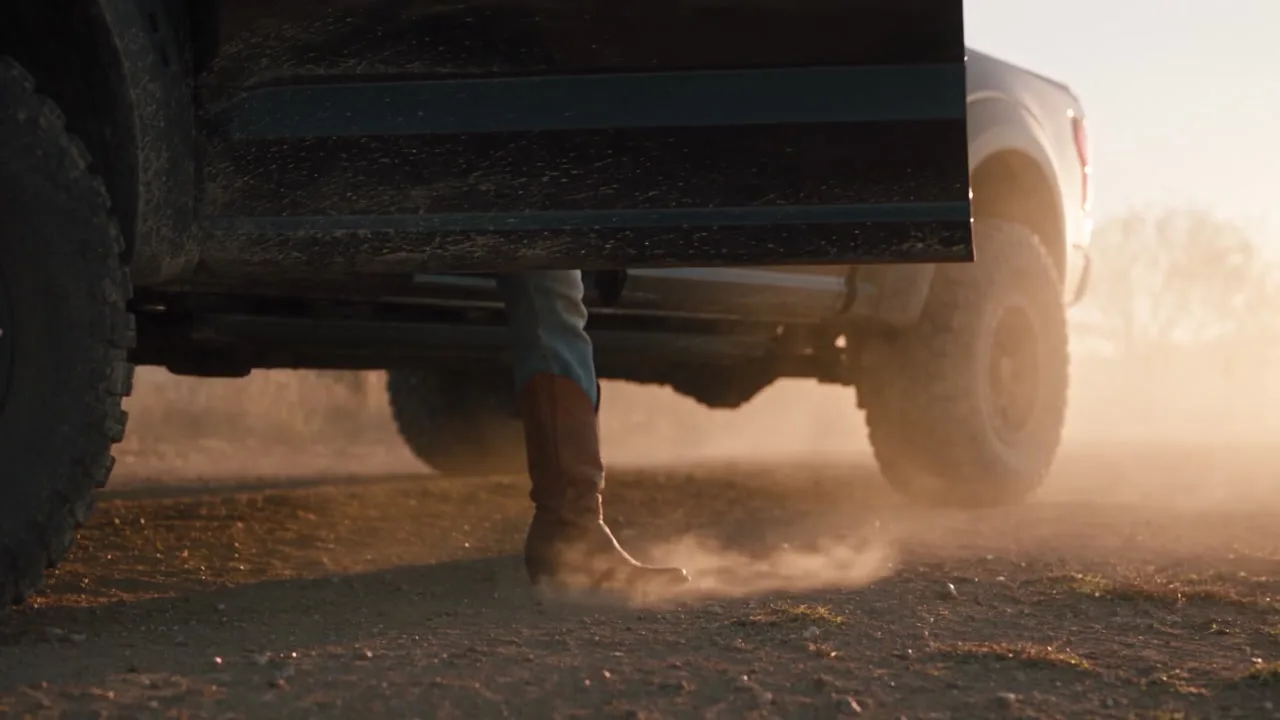
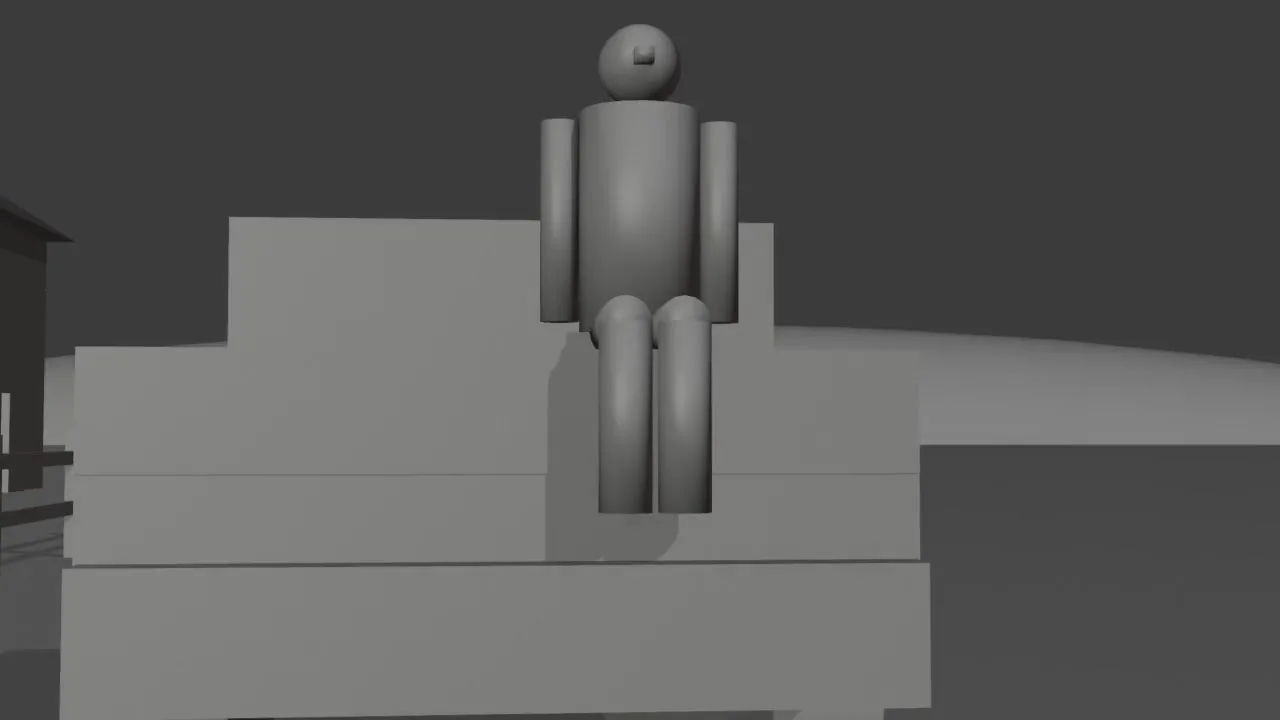
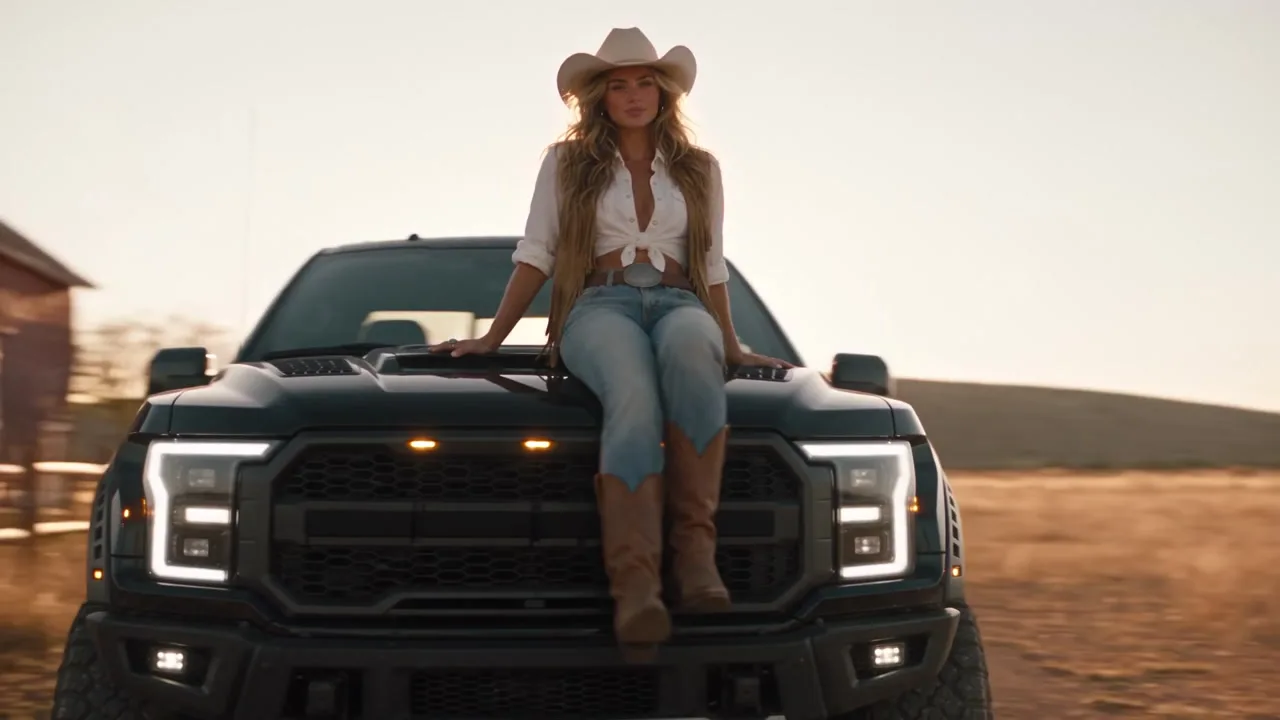
- A camera per shot, cut by markers
Seven cameras, each bound to a timeline marker on a beat, so one playblast carries every cut.
- The truck brakes like a truck
15 m/s, braking from 1.6 s to a stop at 3.44 s, keyed with linear keys every two frames. Bezier keys gave a 228 m/s² jolt on the first frame.
- Hide figures by scale, not by teleport
A stand-in parked under the ground read as a 5 m jump; one moved off to the side read as a 2,400 m/s sprint. Holding it in place at scale 0.001 with constant keys reads as nothing.
- Record longer than the track
The first draft came back 10 s long instead of 12, with the tail squeezed. Holding the last shot to 15 s, generating 15 s and trimming to the track kept all six cuts on the beat.
3. The heroine: an AI Blogger with real skin
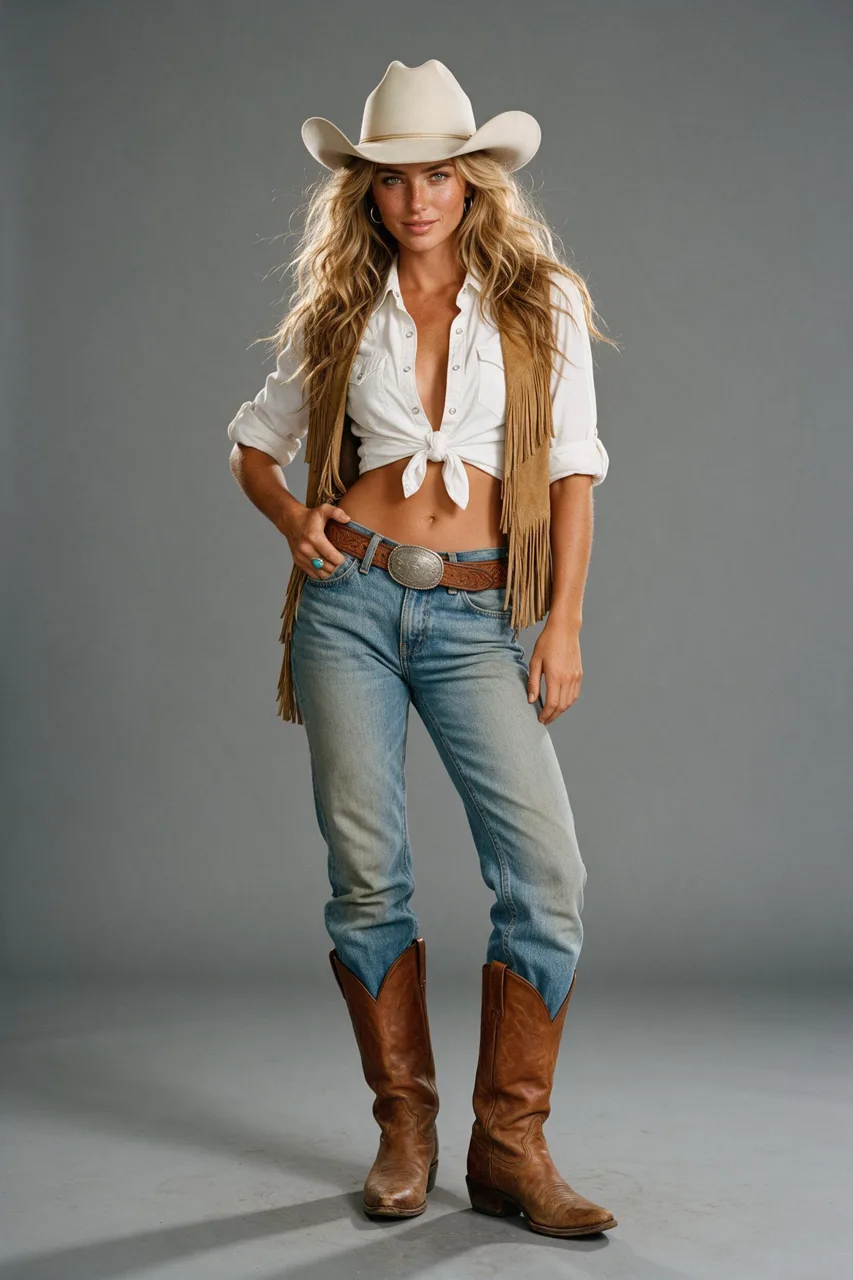
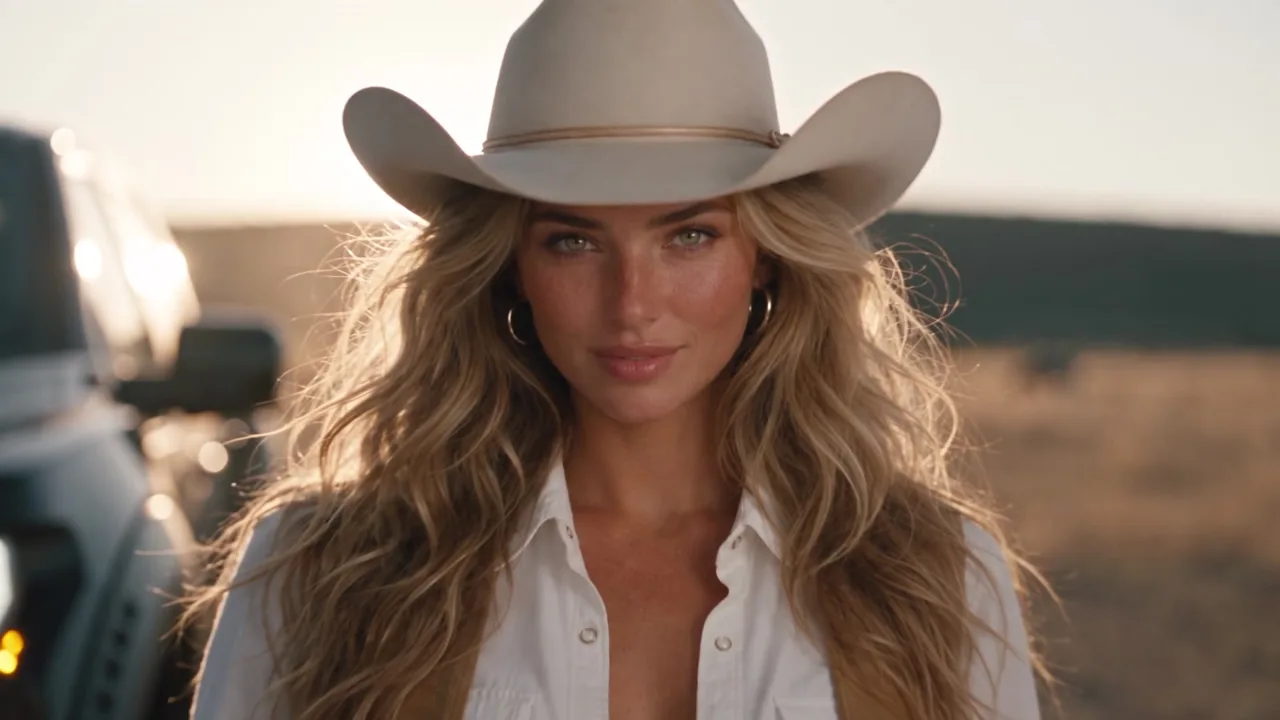
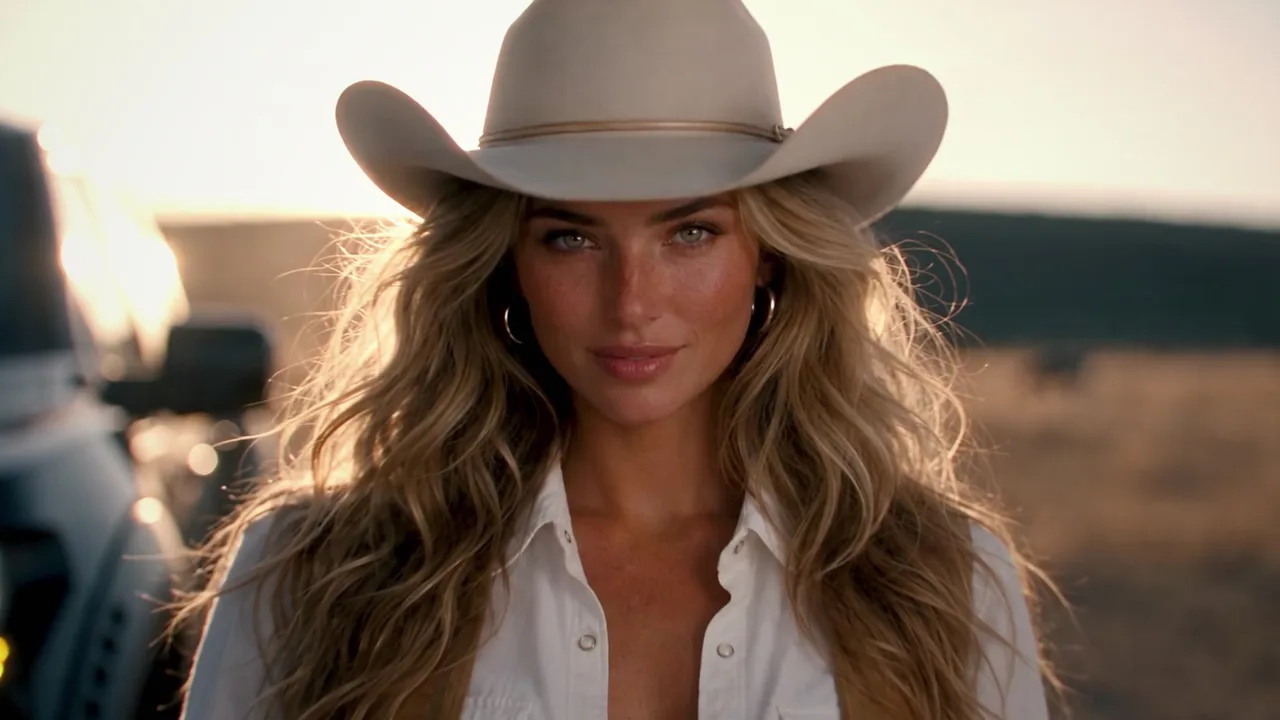
Seedance refuses a photoreal face in a reference image, even a generated one. So she was cast as an AI Blogger: one still, then a saved character whose face reaches the video model by id and stays the same in every shot.
4. The truck from three stills
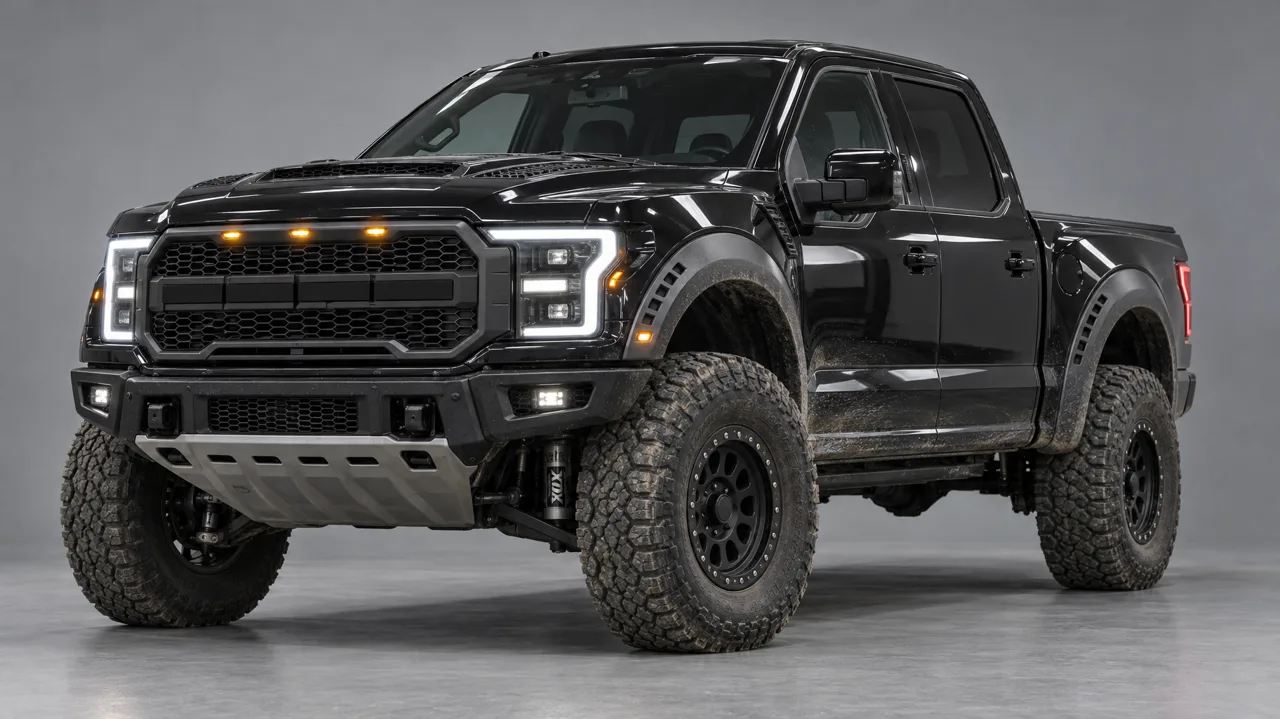
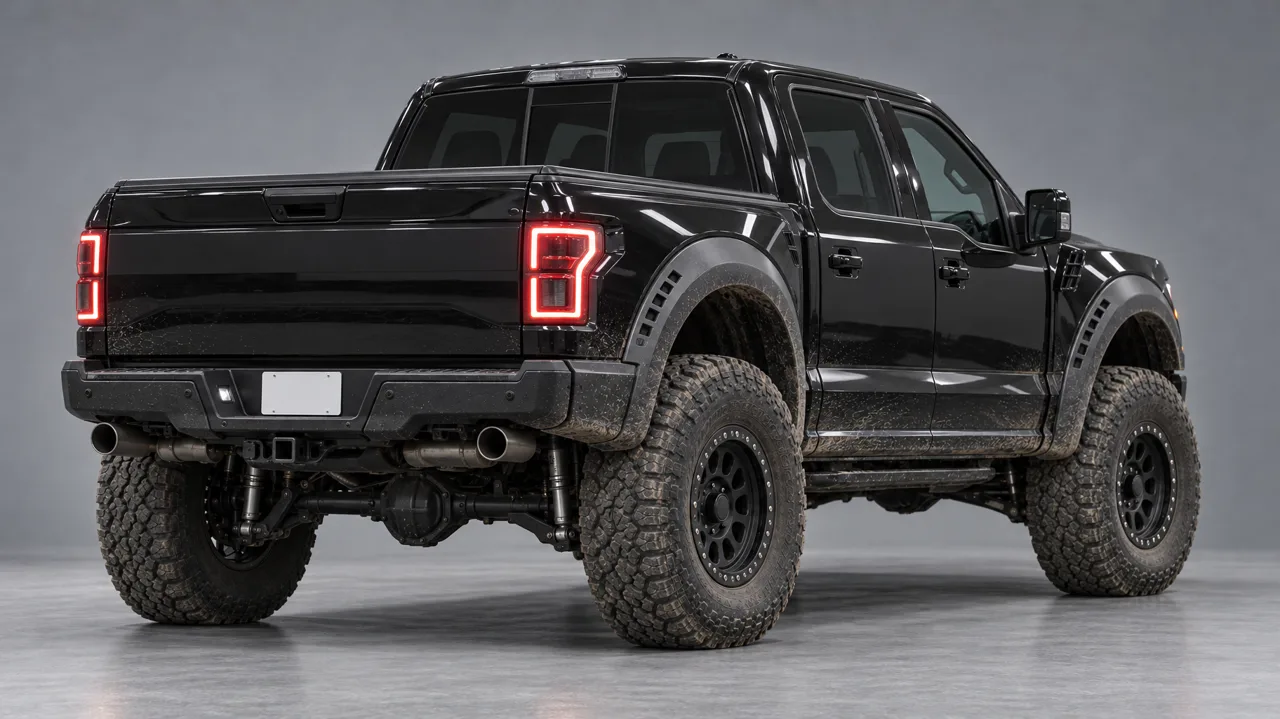
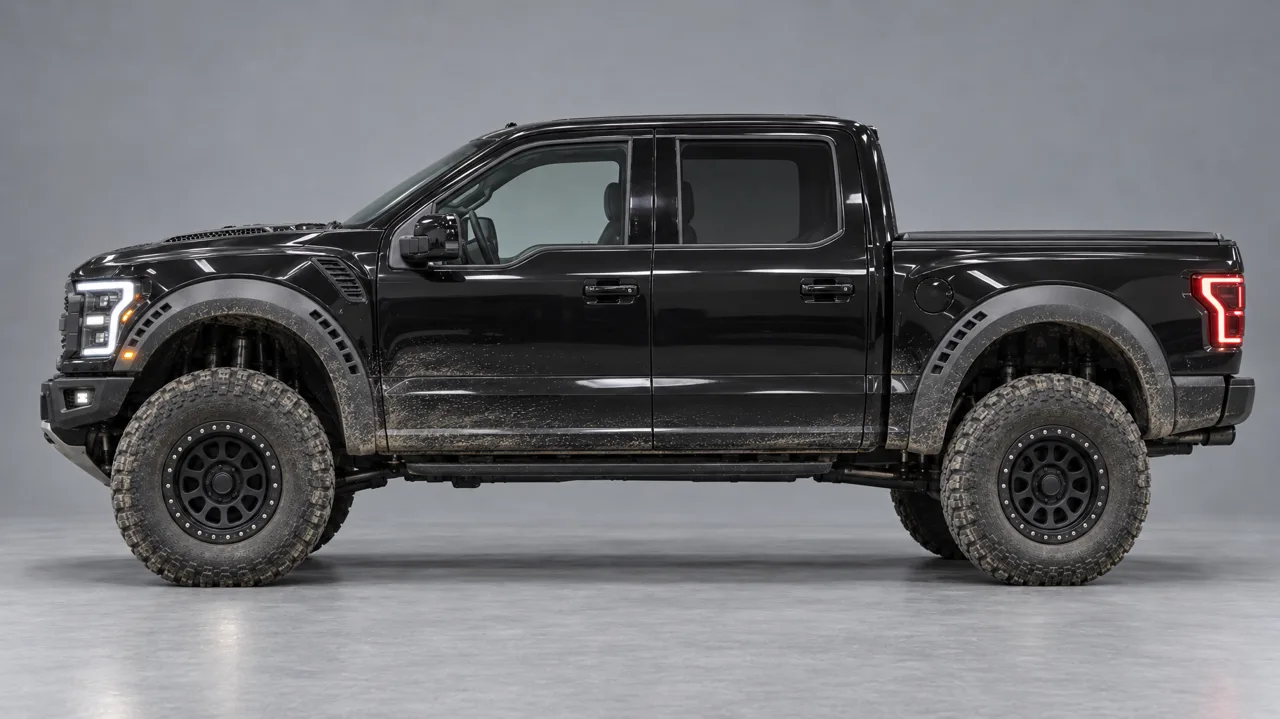
The front three-quarter came first on a plain grey studio backdrop. The rear and the side were made from that image, so the wheels, flares and dust stay identical between angles. No logos, no badges, no text keeps the grille lettering and decals off.
5. Write the prompt
- Bind the blockout
@Video1 is a clay 3D blockout: follow its camera path, framing and 6 hard cuts exactly (1.38, 3.46, 5.33, 8.42, 9.46, 11.00 s).
- Give every image a role
@Image1-3 are the truck: shape, paint, flares, wheels, stance - not the grey backdrop. Her face comes from the Blogger id.
- One line per shot
Exactly 7 shots, in order, one per cut, no extras, then SHOT 1 (0.00-1.38s) and so on, each with the camera, the place and what happens, with real numbers: 15 m/s braking to a stop over two seconds.
- Sound
Natural ambience only. No BGM, no voices, no subtitles. The track goes on in the edit.
Every version went out as a 480p draft first (54 credits for 15 s). The second draft had every cut on the beat, so finalize re-rendered that same take in 1080p for 300 credits.
6. 4K, optics, grade and bokeh in After Effects
- Upscale once
Detail-preserving Upscale ×2 with a light unsharp mask, pre-rendered to ProRes so the rest stays fast.
- Bokeh at the edges
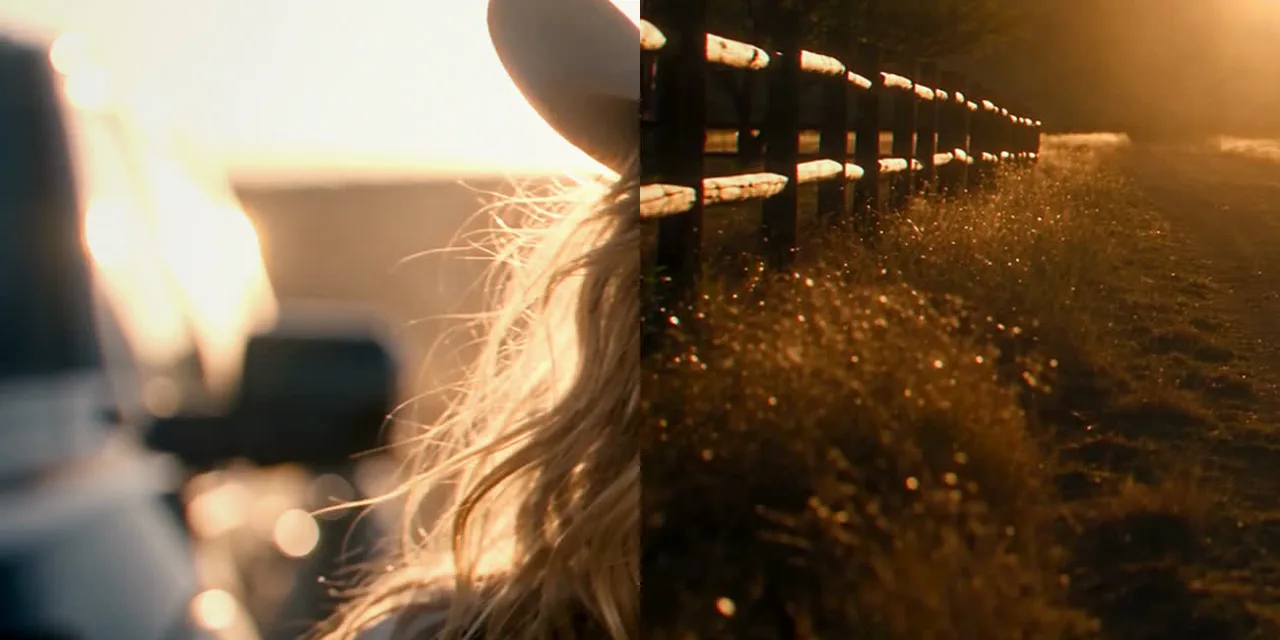
Camera Lens Blur on the plate, driven by a radial blur map: the centre stays sharp, the edges fall into soft oval highlights. The highlight gain turns sun glints, dust and headlamps into discs.
- Optics
A slight red-channel offset for chromatic fringing, gentle barrel distortion, warm halation around the brightest areas, a soft bloom and horizontal anamorphic streaks off the sun and the lamps.
- Grade
Warm golden hour: more contrast, held-back highlights, cooler shadows, vignette and fine grain. Per shot: the close-up lost its haze and orange skin cast, the bonnet shot got its saturation back.
What it cost
About 530 credits in total: two 480p drafts (36 + 54), casting stills and car refs (48), the AI Blogger (8 for the draft, 45 to save), and the 1080p finalize (300). Blender and After Effects work cost nothing.
The whole recipe
- Beat grid → one cut per strong hit.
- A clay blockout with a camera per shot, held longer than the track.
- The heroine as an AI Blogger, anti-plastic skin in words.
- The vehicle from three stills, each made from the first.
- One prompt: blockout binding, image roles, one line per shot.
- 480p drafts until the cuts land → finalize to 1080p.
- 4K, optics, bokeh and grade in After Effects.
Mira MCP — Seedance 2.5 drafts and finalize, AI Bloggers, and the Mira MCP for Claude.
Mira for Blender — The add-on that lets Claude build and shoot the blockout in your own Blender.
Mira for Adobe — The panel that lets Claude grade and render in your own After Effects.