Create an AI Blogger on Mira and star her in a car reel
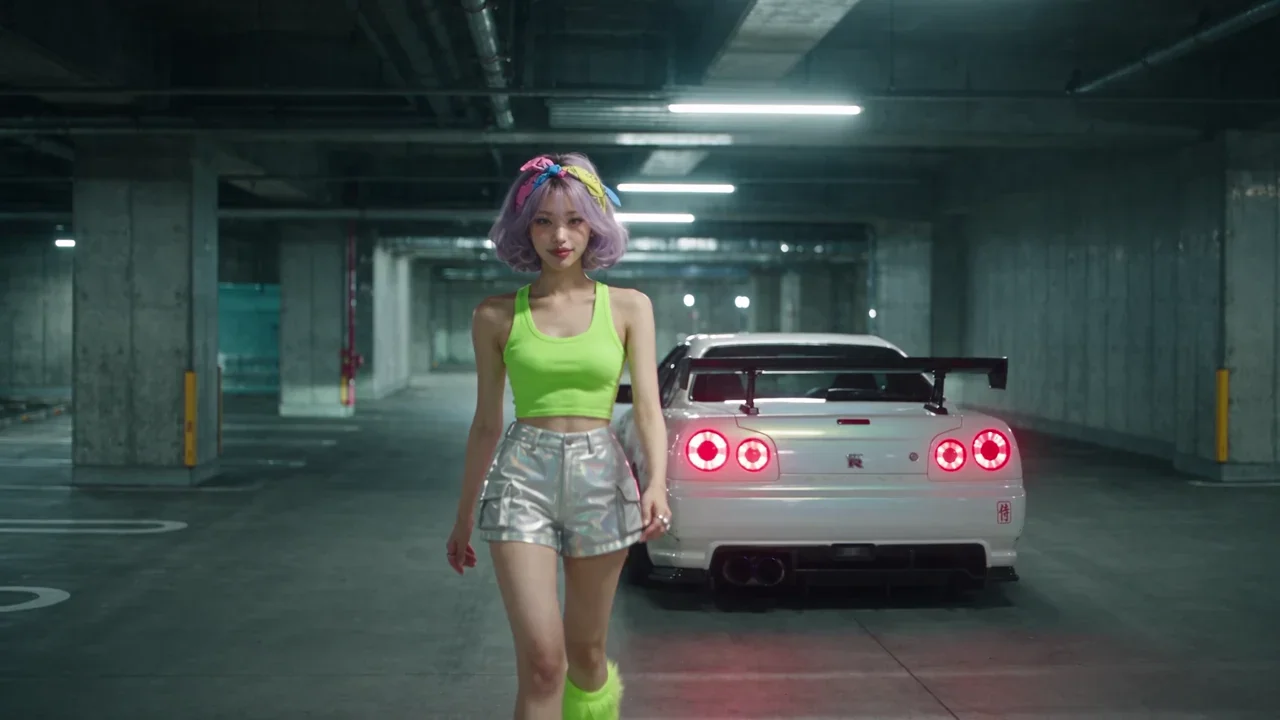
We built Yuki in Mira's AI Bloggers builder, then cast her in a 15 s R34 night reel: the same face in every shot, from a Blender blockout to 4K.
Made with: seedance-2-5, gpt-image-2.5-sunburst, Mira for Blender, Mira MCP, Blender, Mira for Adobe, After Effects, Claude
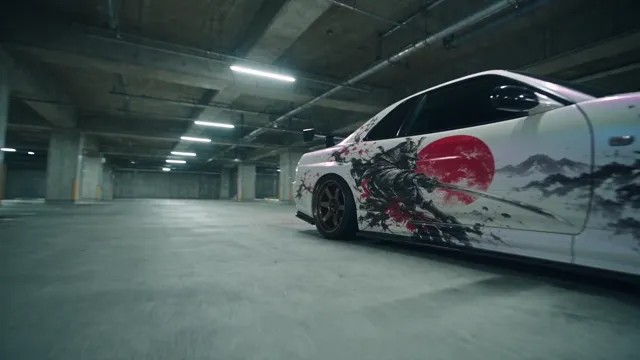
Yuki is not a photo we found or a face we uploaded. She was created on Mira in the AI Bloggers builder, and then she played the lead in a car reel. Two steps, and the second one is a single parameter.
1. Create the blogger
- Pick her traits
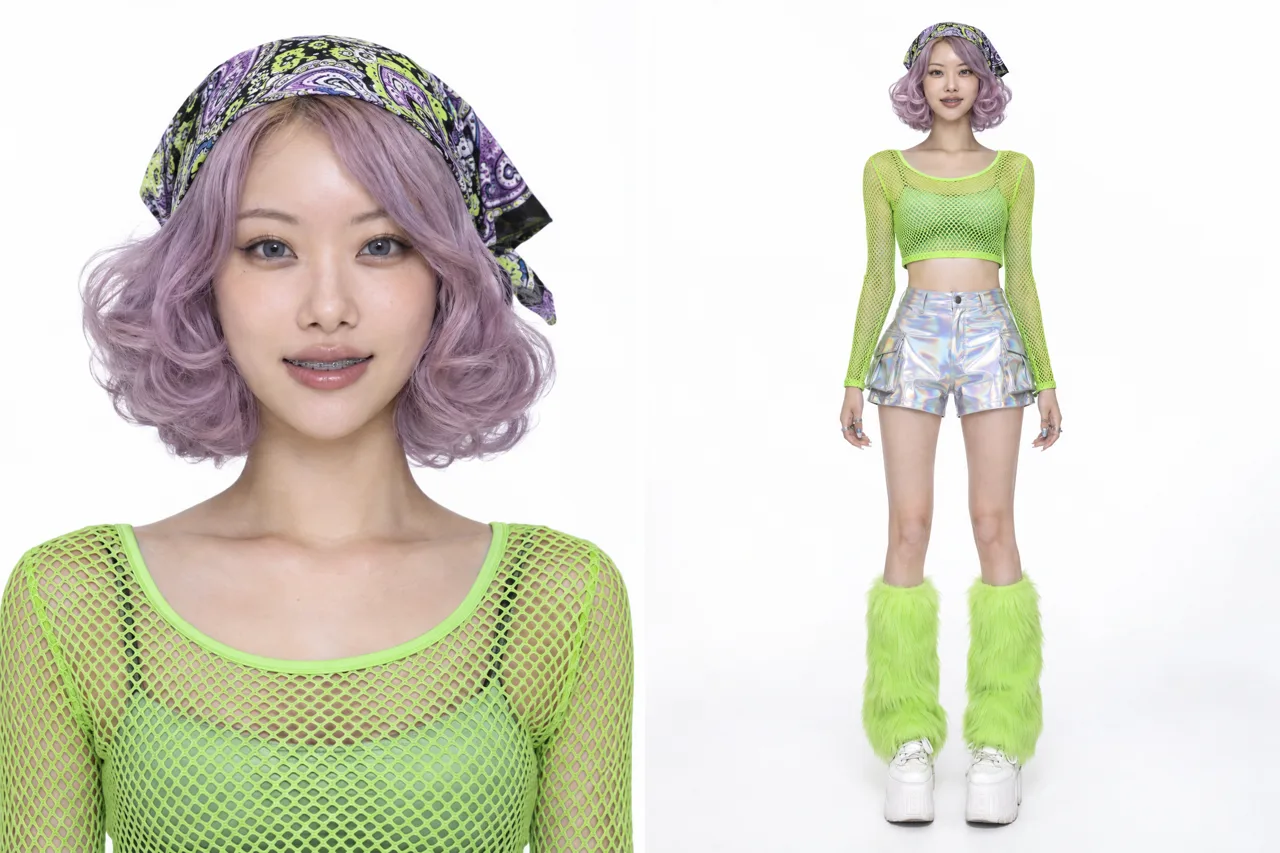
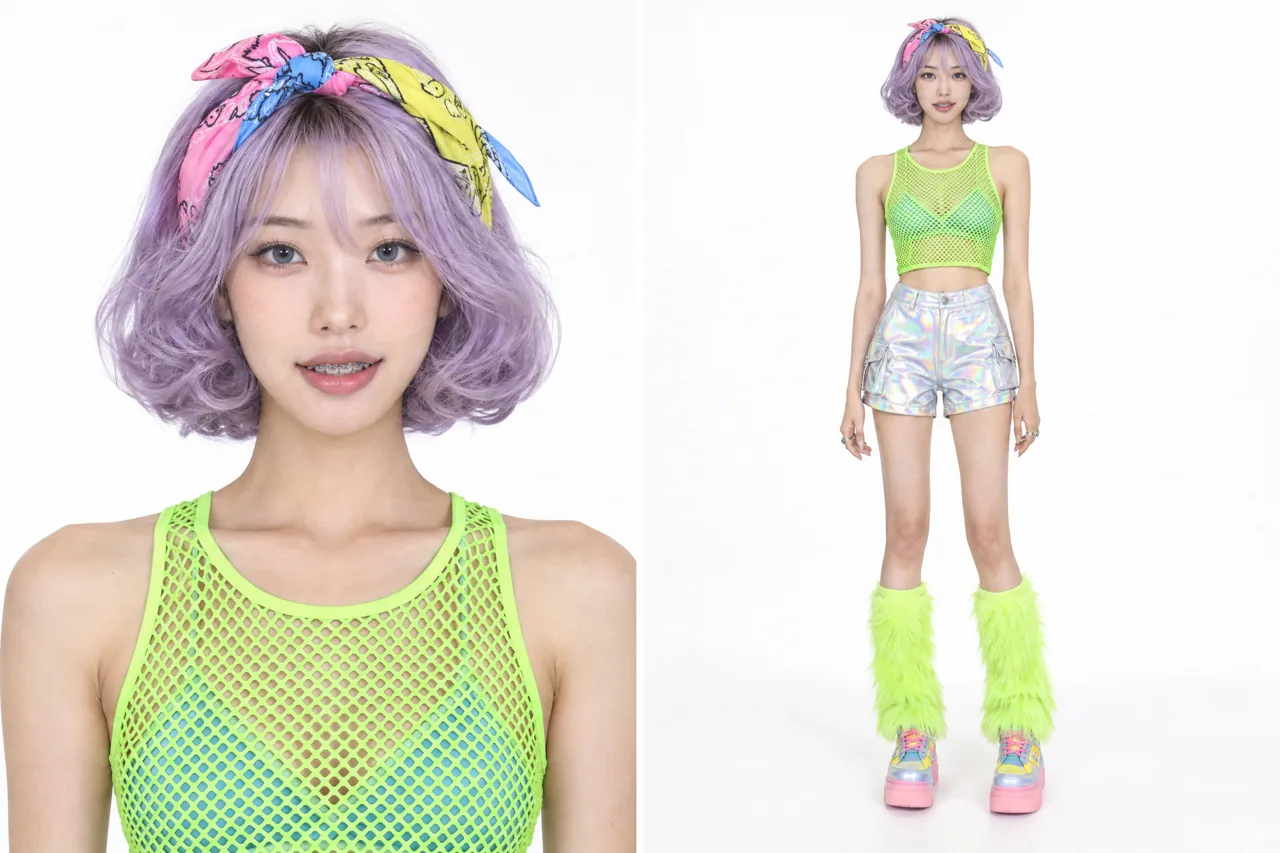
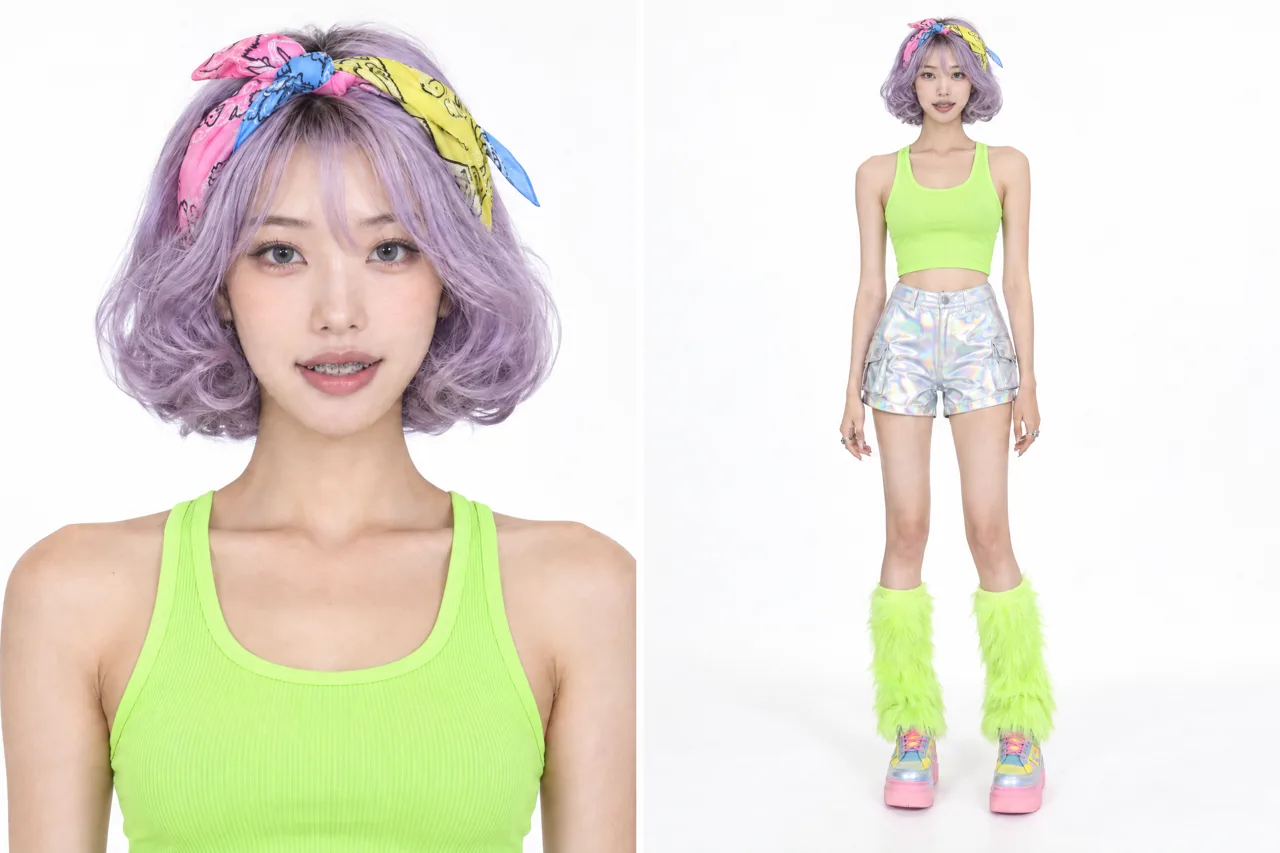
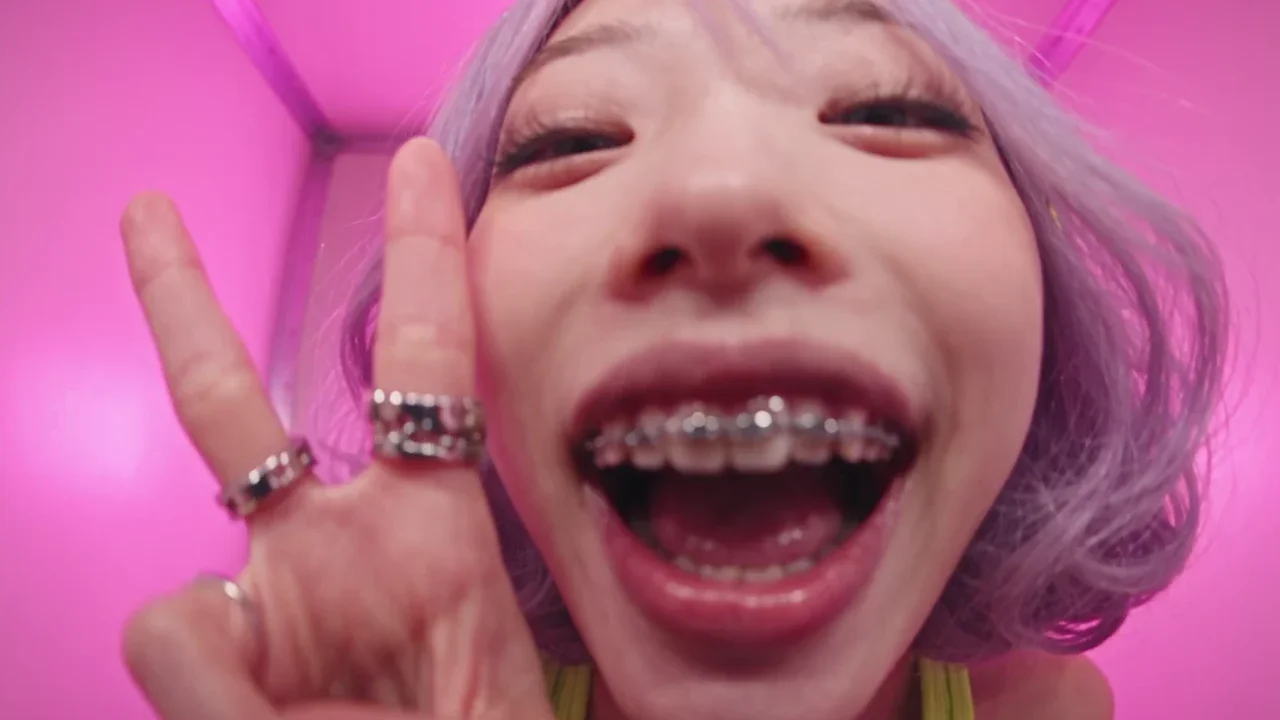
In AI Bloggers: a woman in her twenties, East Asian, very tall and slim, steel grey-blue eyes, braces, a lavender curled bob, and a rave look with a bandana.
- Generate a draft
Every draft is a portrait plus a full-length shot of the same person on white, 8 credits each.
- Edit it in words
Change one thing at a time: the hair colour, the bandana, change to regular asian top. Everything else stays as it was.
- Save her
45 credits. Her face, body, look and voice are now saved on your account, ready for any image or video.
2. Cast her in the reel
We took the finished Pearl Samurai R34 reel and replaced its heroine photo with Yuki's bloggerId. The car photo, the Blender blockout and the shot list did not change. Mira sends her saved photos and description to Seedance 2.5 itself, so she has the same face in every shot.

3. Draft, finalize, 4K
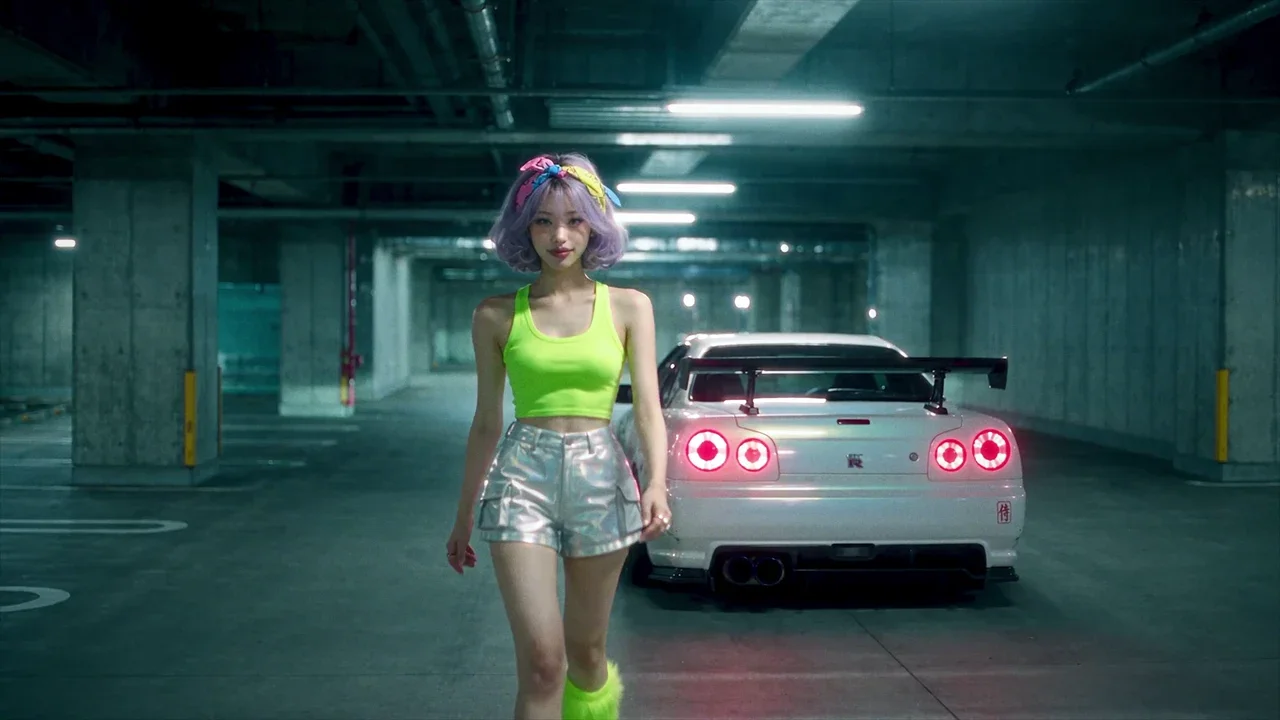
Three 480p drafts at 54 credits each, then finalize to 1080p for 300. The color grade and the 4K version were done in After Effects.
The recipe
- Create your AI Blogger: drafts at 8 credits, saving at 45.
- Pass her
bloggerIdinstead of a face photo. - Draft until the shots work, then finalize.
The reel cost 462 credits. You can reuse the same blogger in every video after it.
Create your AI Blogger — A character with a face, a body and a voice, made on Mira and reusable in any image or video.
How the reel itself was made — Beat grid, car reference, Blender blockout and the full Seedance prompt.